Coldarr
Storage tiering for Radarr and Sonarr libraries. Keep recent and favorite media on primary storage and move cold titles to overflow drives.
Coldarr looks at your library's age, size, tags, quality profiles, monitored state, Jellyfin Favorites, and available disk space. It asks Radarr and Sonarr to move eligible items, so their databases stay the source of truth. Coldarr never moves files directly.
With qBittorrent, it can also move finished downloads off a fast download drive onto seed storage once they've settled, and clear them out once your trackers' seeding requirements are met - see Downloads and seeding.
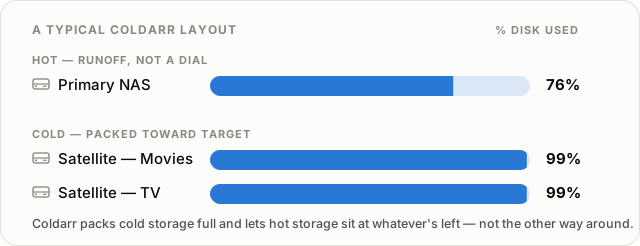
Preview, then apply
Use the web interface or CLI to inspect storage and build a dry-run plan. Review what would move, why, and where before applying it. Both interfaces use the same configuration, and scheduled jobs stay off until enabled.
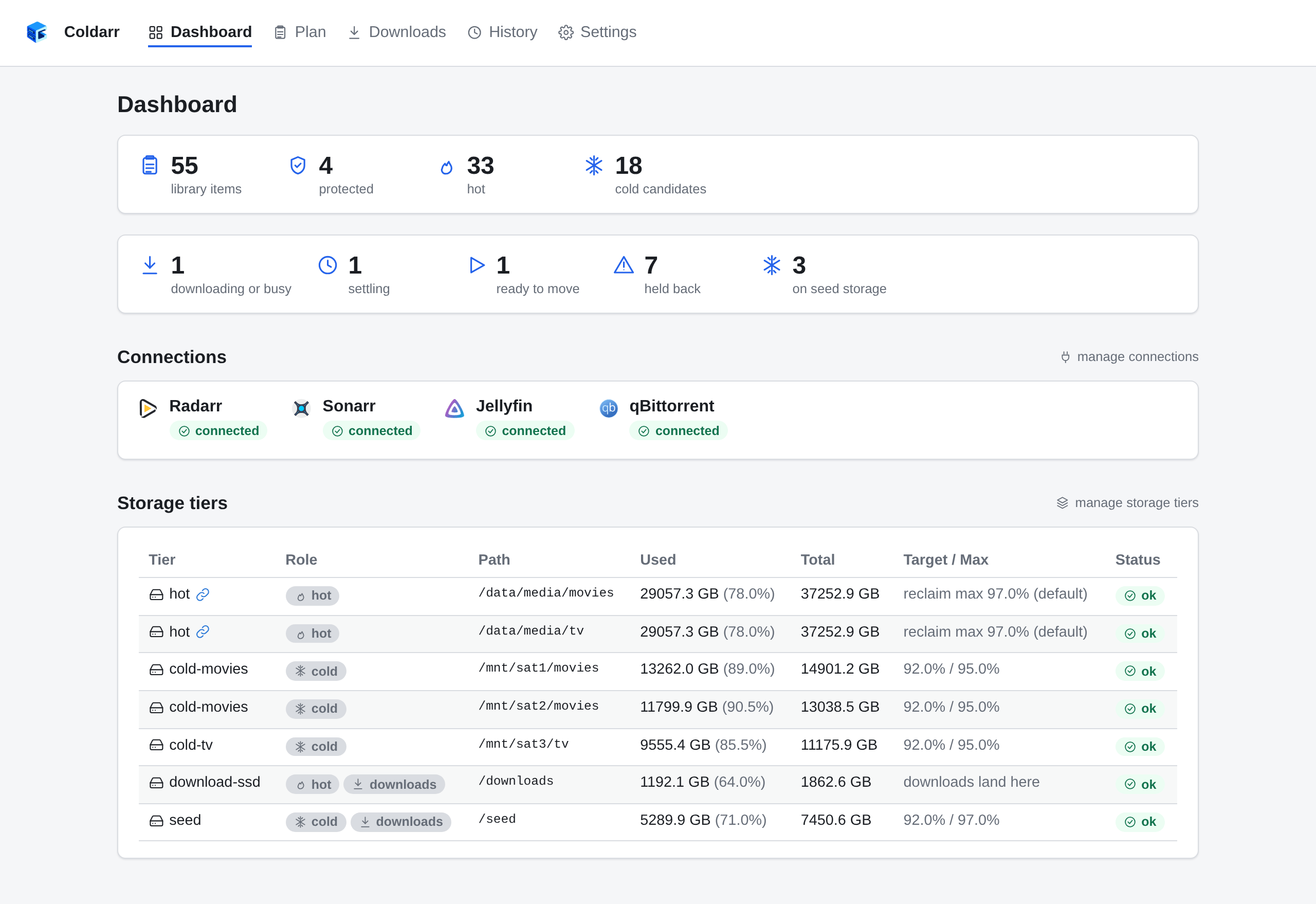
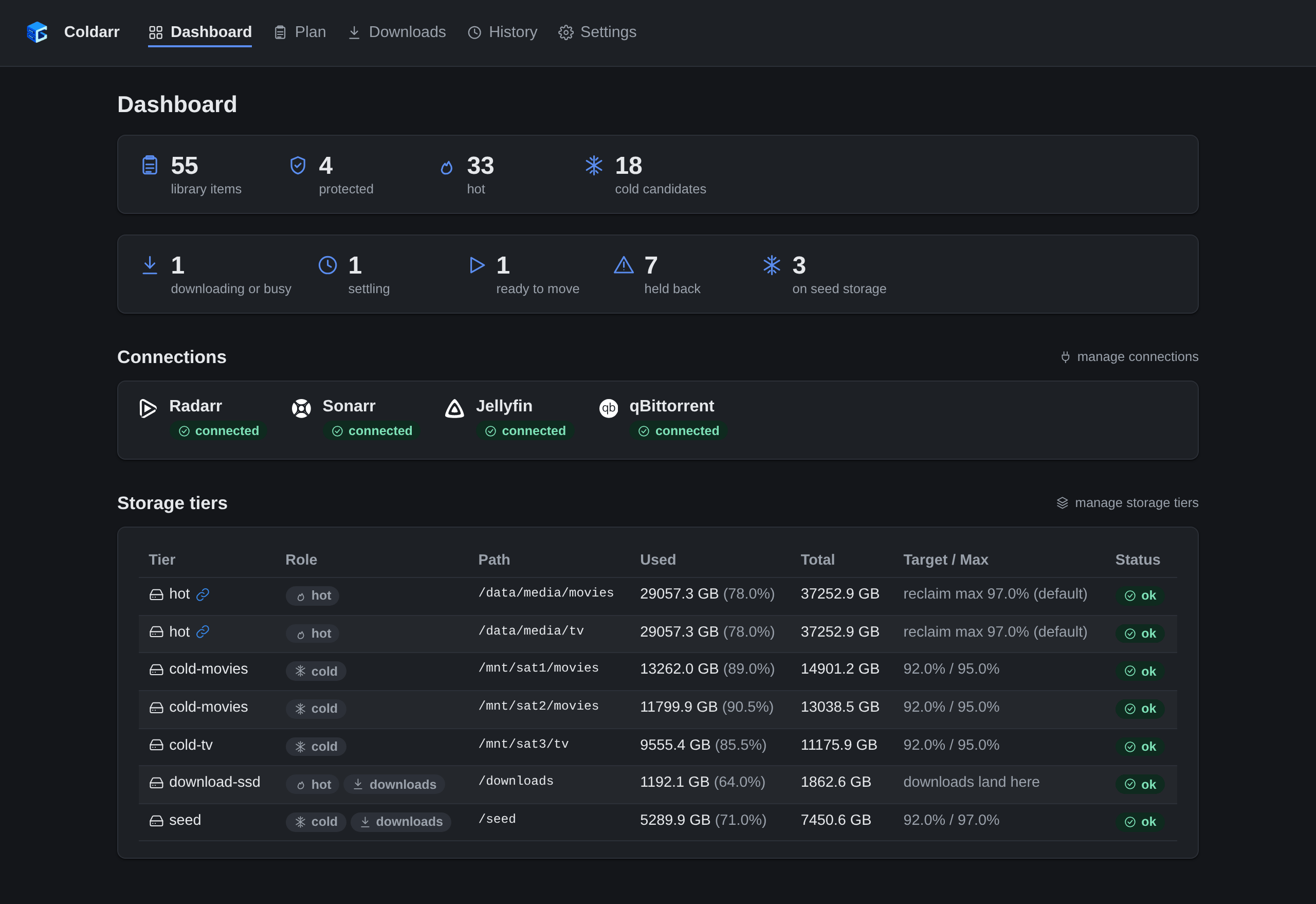
Browse the screenshot gallery.
Find your guide
-
Run Coldarr in Docker, connect your services, and review a first plan.
-
How items are scored, how moves are planned, and why they run one at a time per drive.
-
The dashboard, plans, move history, and settings.
-
Run reports and plans from a shell, or automate applies with cron.
-
Connections, storage tiers, Docker environment variables, and scoring policy.
-
Keep Favorites on hot storage and artwork intact after a move.
Building, testing, or contributing? Start with the development guide.
Coldarr is MIT licensed. Source code, issues, and releases are available on GitHub.