Storage tiers
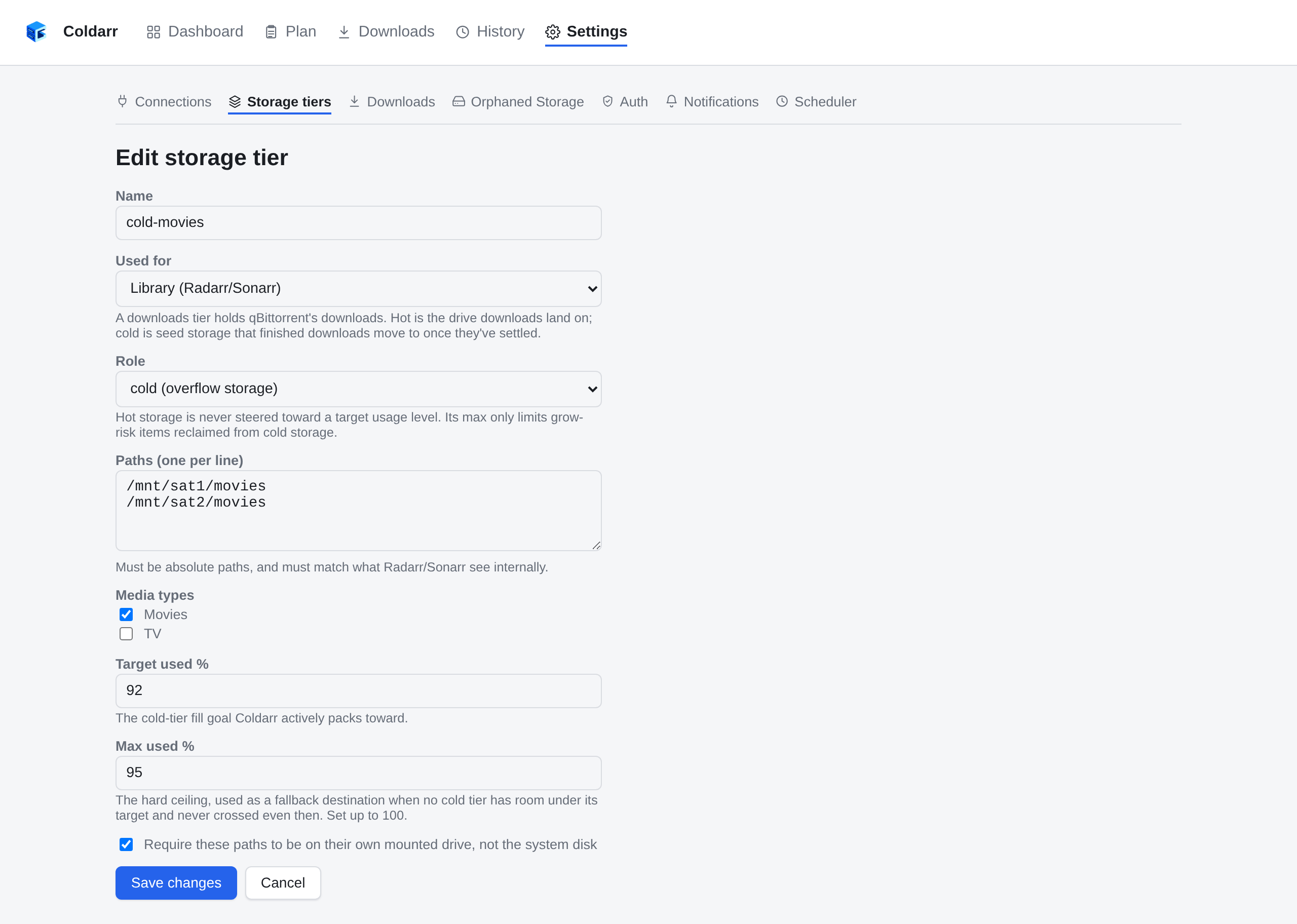
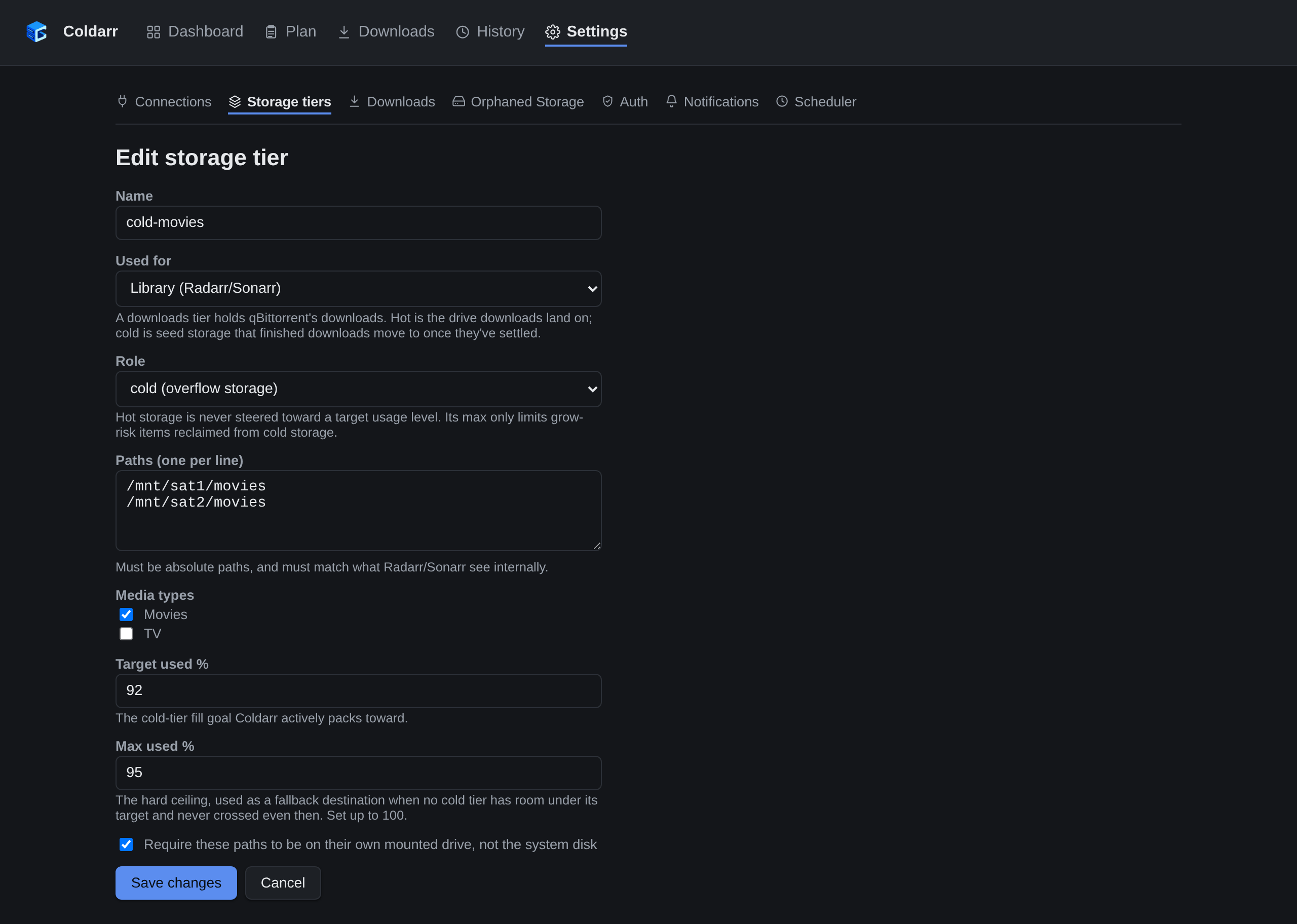
A tier is a named policy (allowed media types, whether paths must be real mount points, and for cold tiers, target/max usage) applied to one or more physical paths. Each path is checked independently - a tier is a shared policy across drives, not a pooled volume. See the example configuration for a worked example with one hot tier (the primary NAS) and two cold tiers (movies and TV split across satellite drives) - or just add them through the GUI's Settings > Storage tiers page, which writes the same file.
Note
Saving tiers (or any other setting) through the GUI rewrites the whole
coldarr.yaml file, so hand-added comments won't survive a GUI save.
Library and downloads tiers
A tier holds either library media - what Radarr and Sonarr manage, the
default - or qBittorrent downloads. Library tiers are what everything below
describes. Downloads tiers (Used for: Downloads (qBittorrent) in the
form, domain: downloads in YAML, offered once qBittorrent is connected)
are the download drive (hot) and seed storage (cold) - see
Downloads and seeding. Both kinds share everything about
storage itself: the mount check, usage, and shared-volume detection, so a
library tier and a downloads tier on the same disk are one capacity pool.
A downloads tier takes no media types - it holds any download - and is
read-only unless you mark it otherwise. Marking one as not read-only
(allow_deletes: true) lets the Orphaned Storage page delete files in it
that qBittorrent doesn't know about, when you ask. Coldarr itself writes
nothing to a read-only one, not even a test file; qBittorrent still moves
downloads in and out of it. A library tier can never be marked so: Coldarr
deletes no library files.
Hot tiers
Hot tiers have no target_used_percent. Coldarr doesn't proactively
steer primary storage toward any usage level - it's runoff. In the ideal
case your cold drives sit at 99% and hot sits at whatever's left over,
and that's fine. If you want to know how full hot currently is, the
dashboard/report still show it - it just isn't a control variable.
max_used_percent still applies to hot tiers, but only when Coldarr
pulls a grow-risk item (e.g. one whose file doesn't meet its quality
profile's cutoff yet) back off cold storage onto hot. Leave it unset and
Coldarr defaults to 97% for that case - it won't pack a hot tier to the
wire even if the raw bytes fit, since doing so would leave no headroom
for the growth that move exists to make room for. Set it explicitly (up
to 100) if you want that ceiling looser or tighter.
Cold tiers
Cold tiers use both fields as a two-step packing goal:
target_used_percent is what Coldarr actively packs toward; if nothing
has room under target, it falls back to max_used_percent - the hard
ceiling, never crossed. max_used_percent has no built-in cap - if you
want a satellite drive packed to 100%, set it to 100. Coldarr will
respect that.
Mount safety
Setting require_mount: true on a tier makes Coldarr verify that each of
its paths is backed by its own mounted drive, not the system disk, before
treating it as usable. This exists specifically to catch the case where a
satellite drive is unplugged, fails to mount, or never reaches the machine
at all (e.g. a VM's USB passthrough pointing at the wrong port): its
mountpoint directory is still there, empty, on the system disk.
Coldarr decides this from its own mount table (/proc/self/mountinfo), so
it works inside Docker without extra privileges. There, a bind mount of
that empty host directory still looks like a mount point - what gives it
away is that it comes from the same disk as Docker's own per-container
files (/etc/hostname). Outside a container, the path simply sits on /.
If the mount table can't be read, the path fails the check. Leave
require_mount off for a tier that genuinely lives on the system disk.
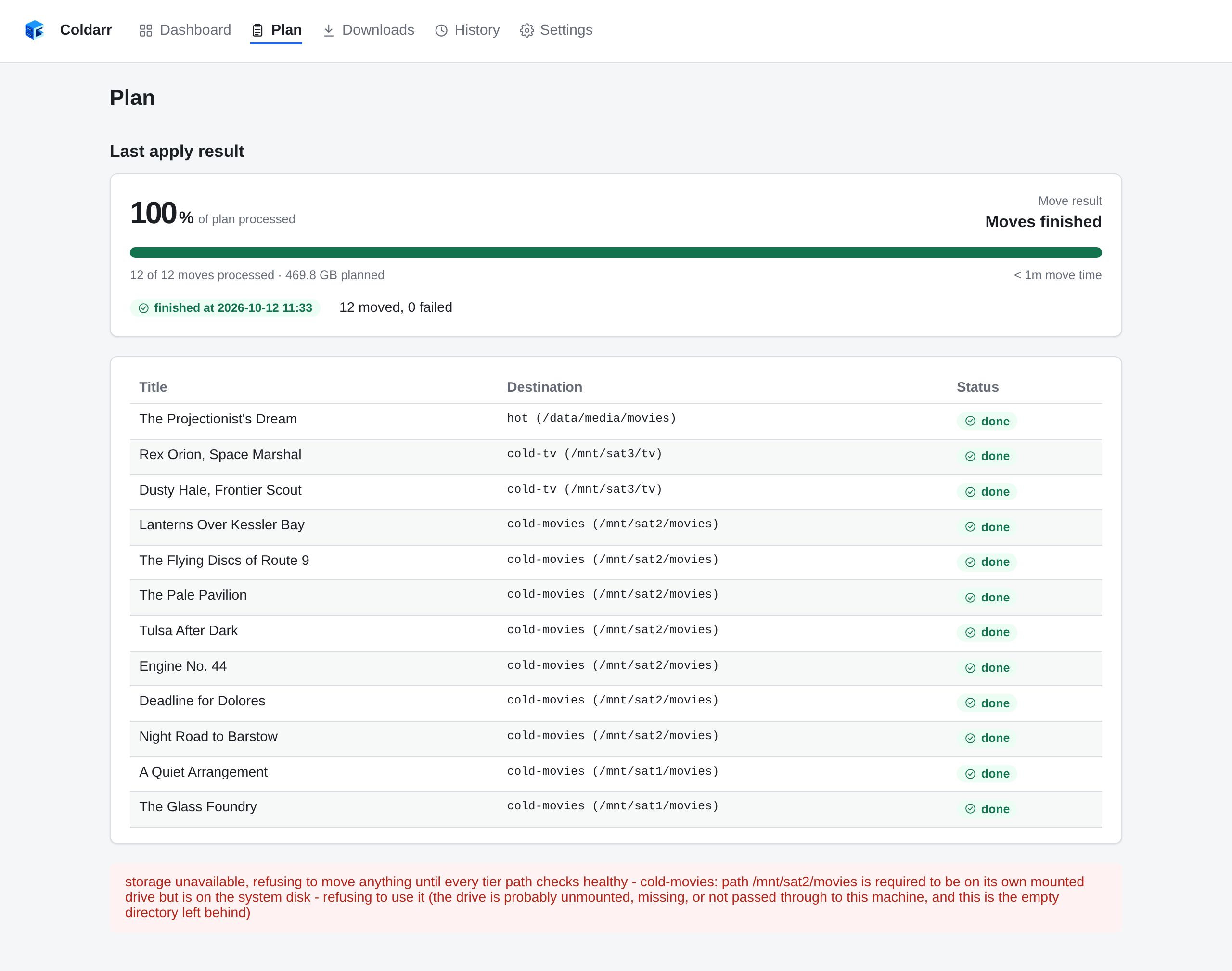
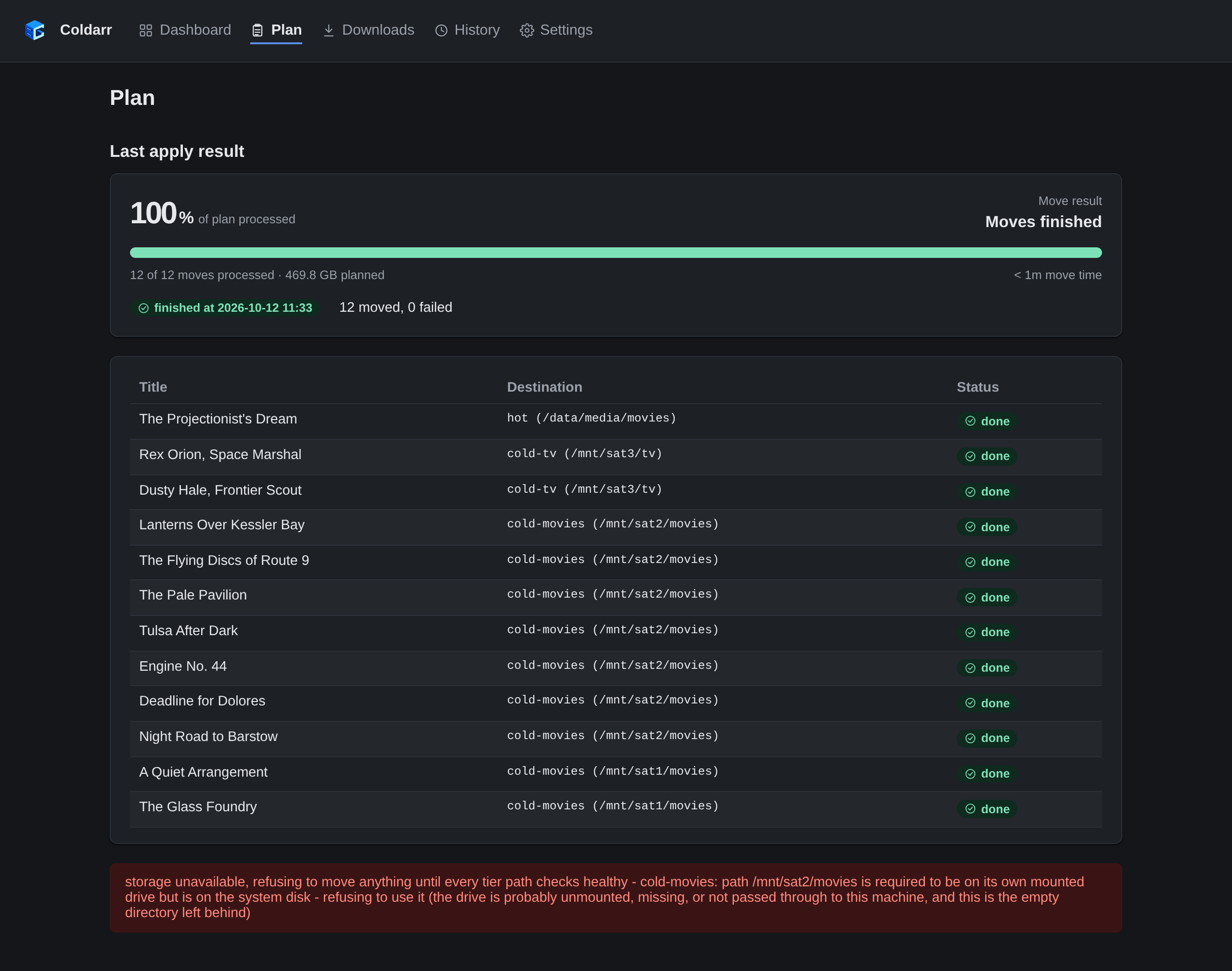
Any tier path that fails its checks - missing, not a directory, or not on
its own drive - blocks all moves, not just those touching that path:
Plan, Apply, the CLI's apply, and the scheduled "Run the Plan" refuse
until every path checks healthy again, and a running apply re-checks before
each move in case a drive drops out partway through. A scheduled run that
is refused sends a failure notification and waits for its next scheduled
time.
Shared volumes
Sometimes two configured paths - even across different tiers, like
Movies (Hot) and TV (Hot) - are actually the same physical volume or
cluster storage, just different subdirectories. Optimizing between them
independently would be nonsense: filling one eats into the exact same
free space the other reports having.
Coldarr detects this automatically, by comparing each path's device
ID (the same technique du -x/find -xdev use to detect filesystem
boundaries) - there's nothing to configure, and it can't drift out of
sync the way a manually-declared grouping could if a mount changes later.
Paths sharing a volume show up flagged as such in report, the Dashboard,
and the Storage tiers page, and the planner treats their capacity as one shared
pool: moving into one is reflected on the other, so it can never
double-commit the same disk across two differently-named destinations.