Screenshots
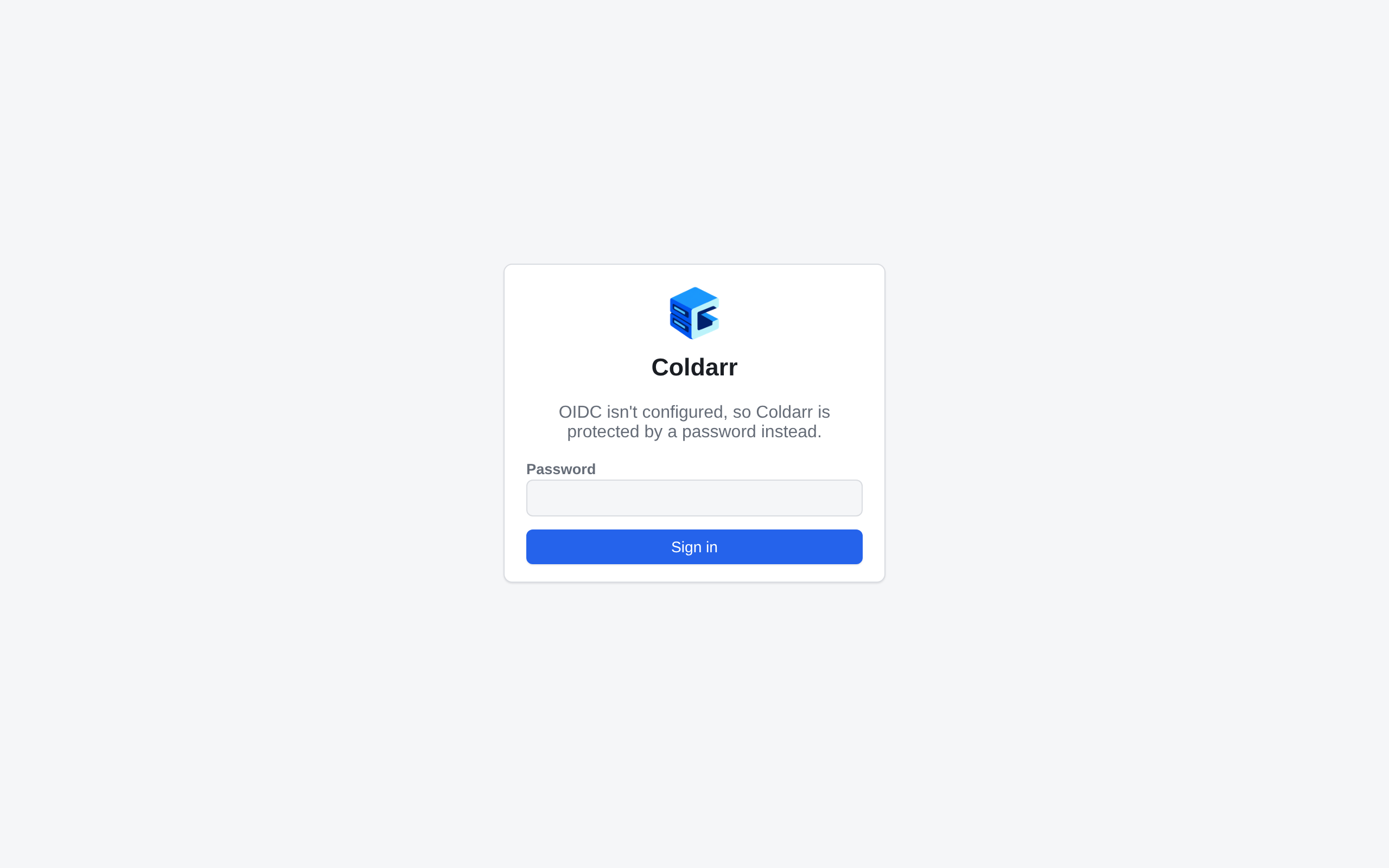
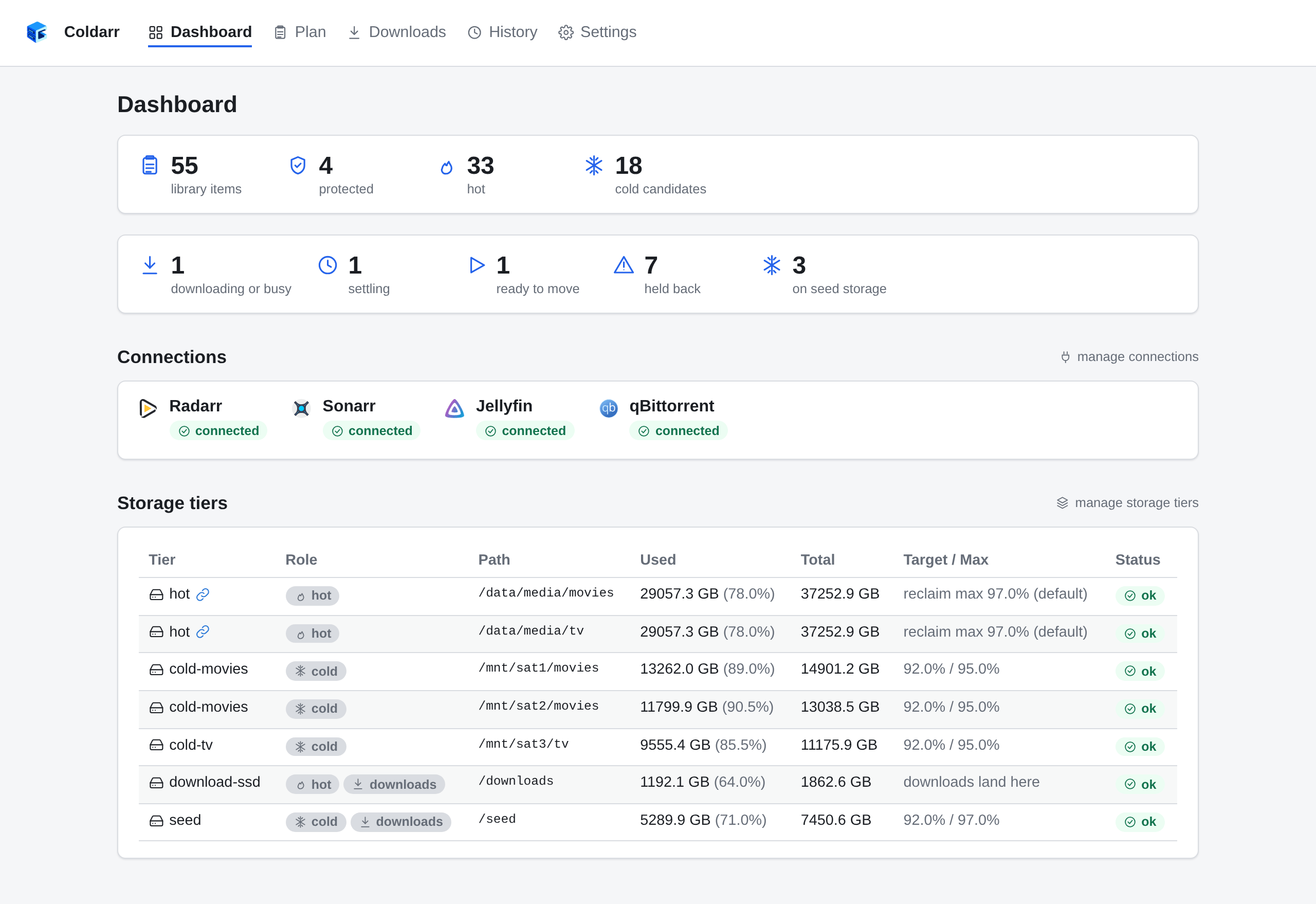
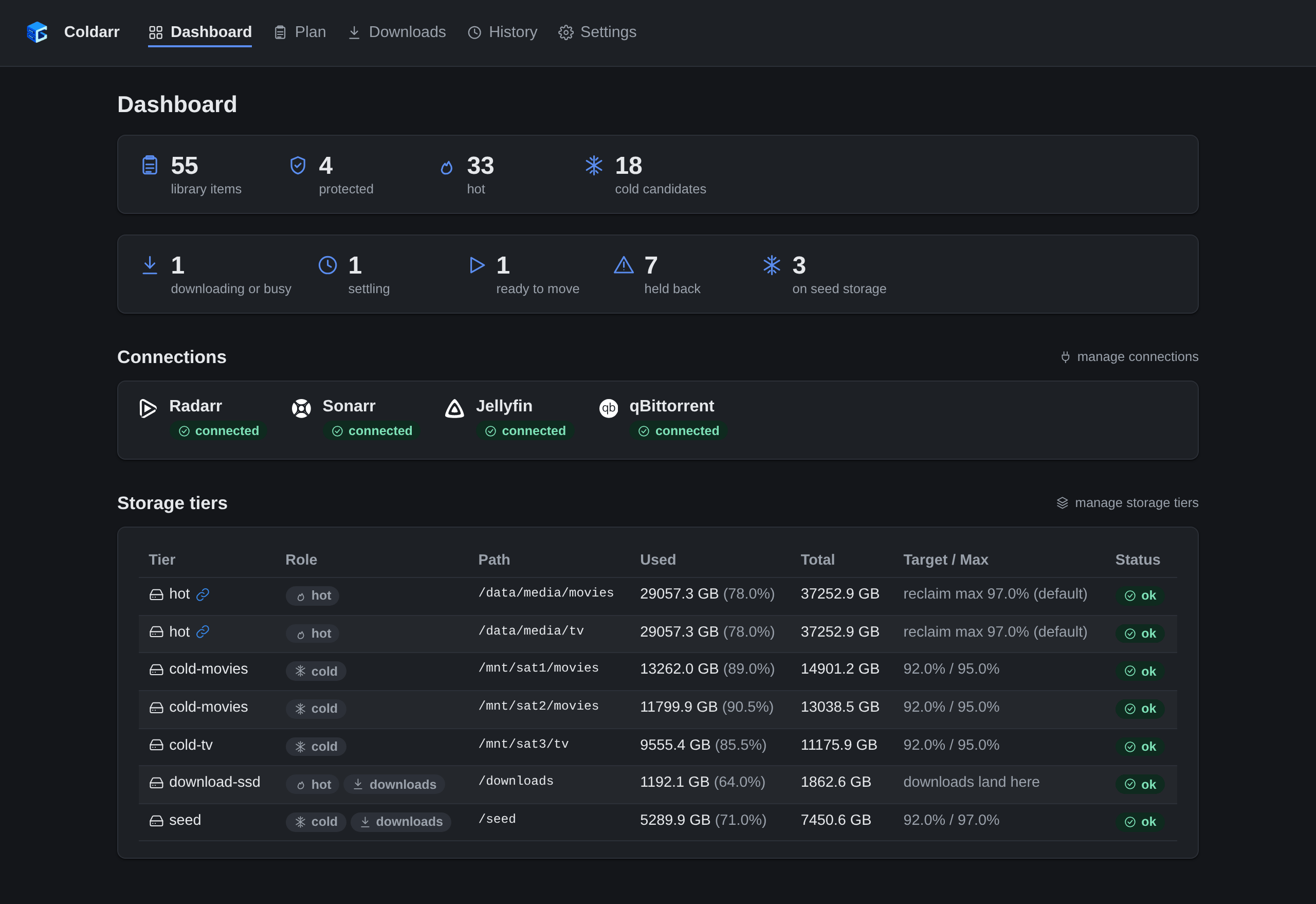
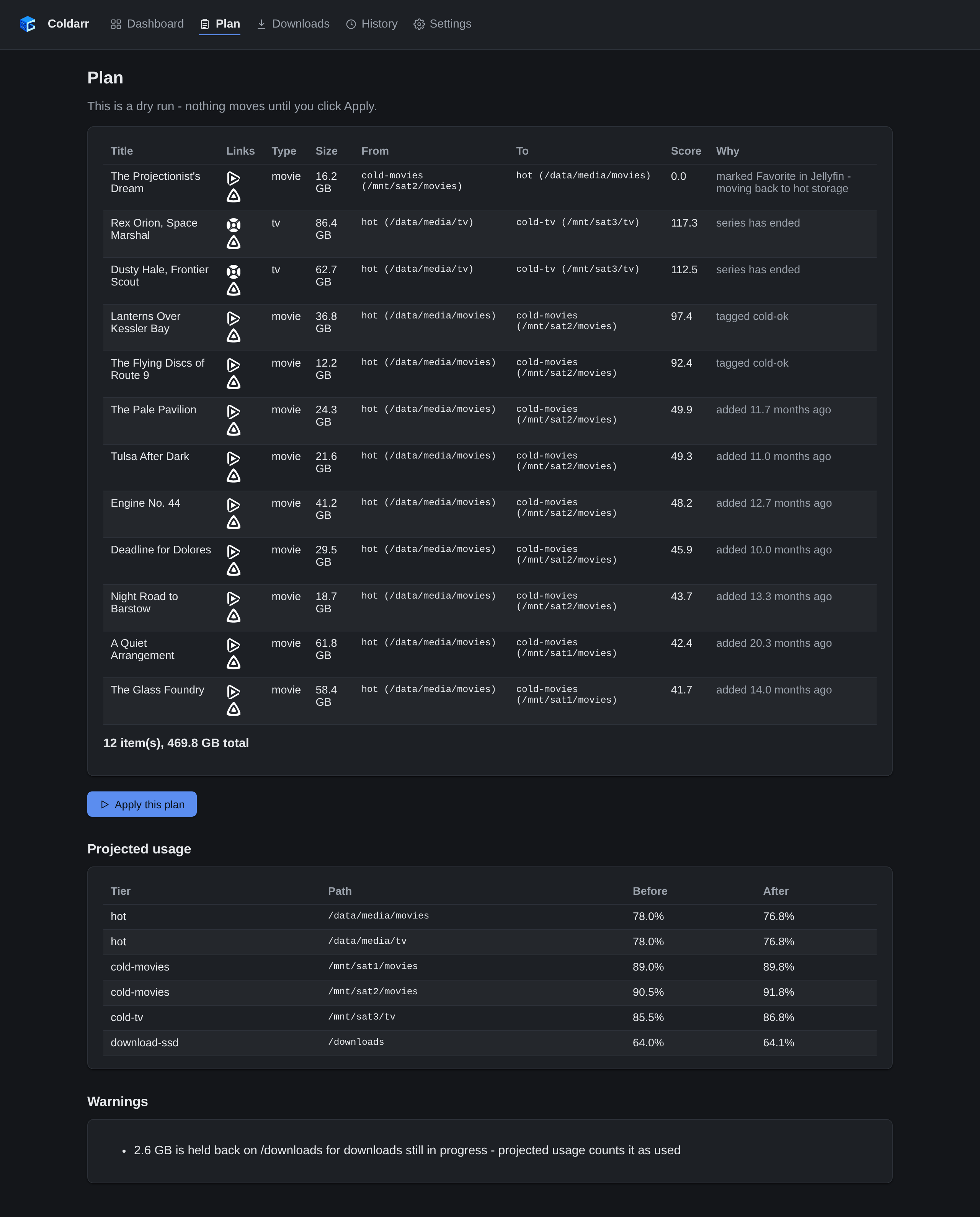
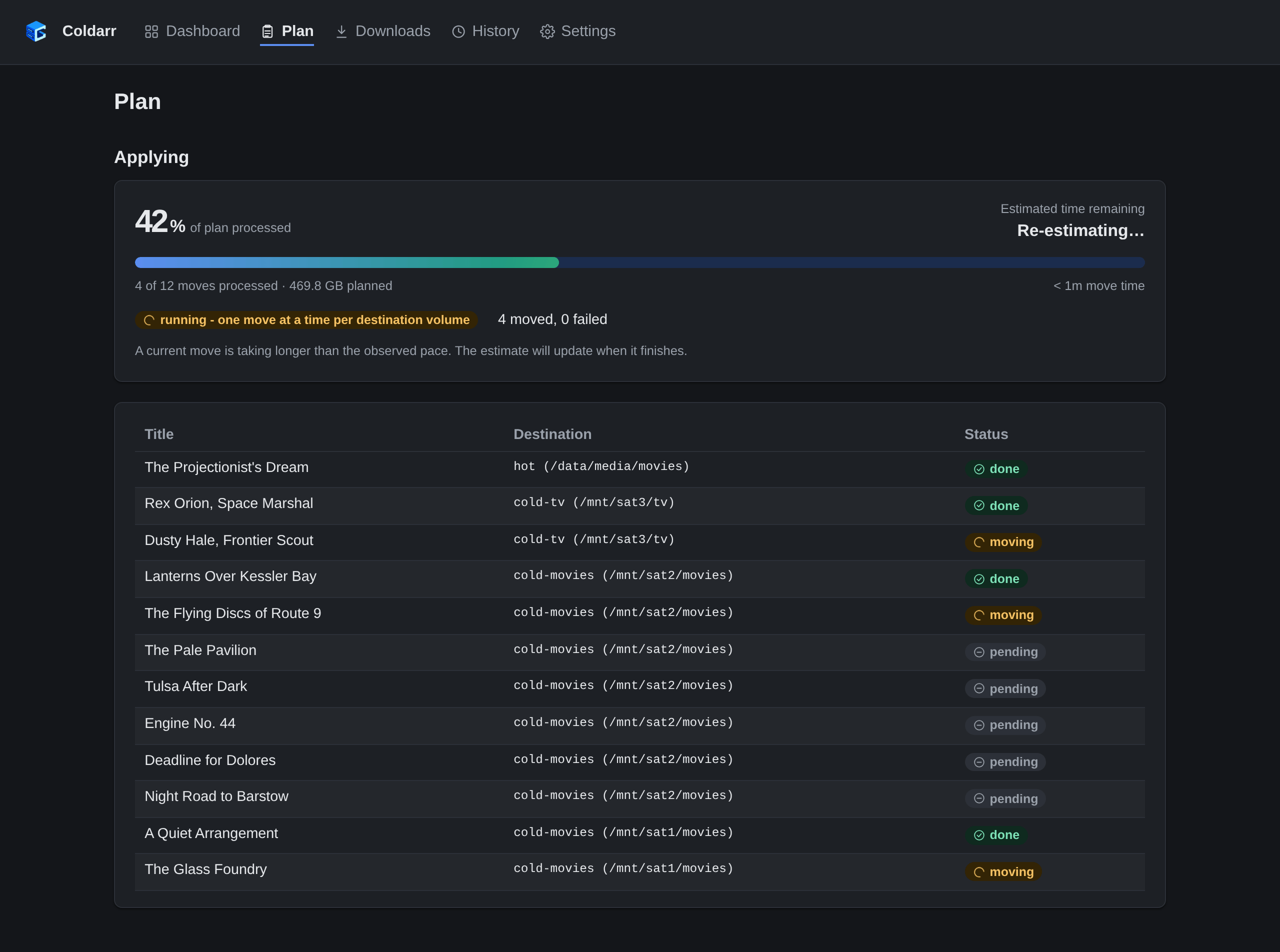
The web interface in light and dark mode. Images follow the documentation site's color scheme.
Dashboard
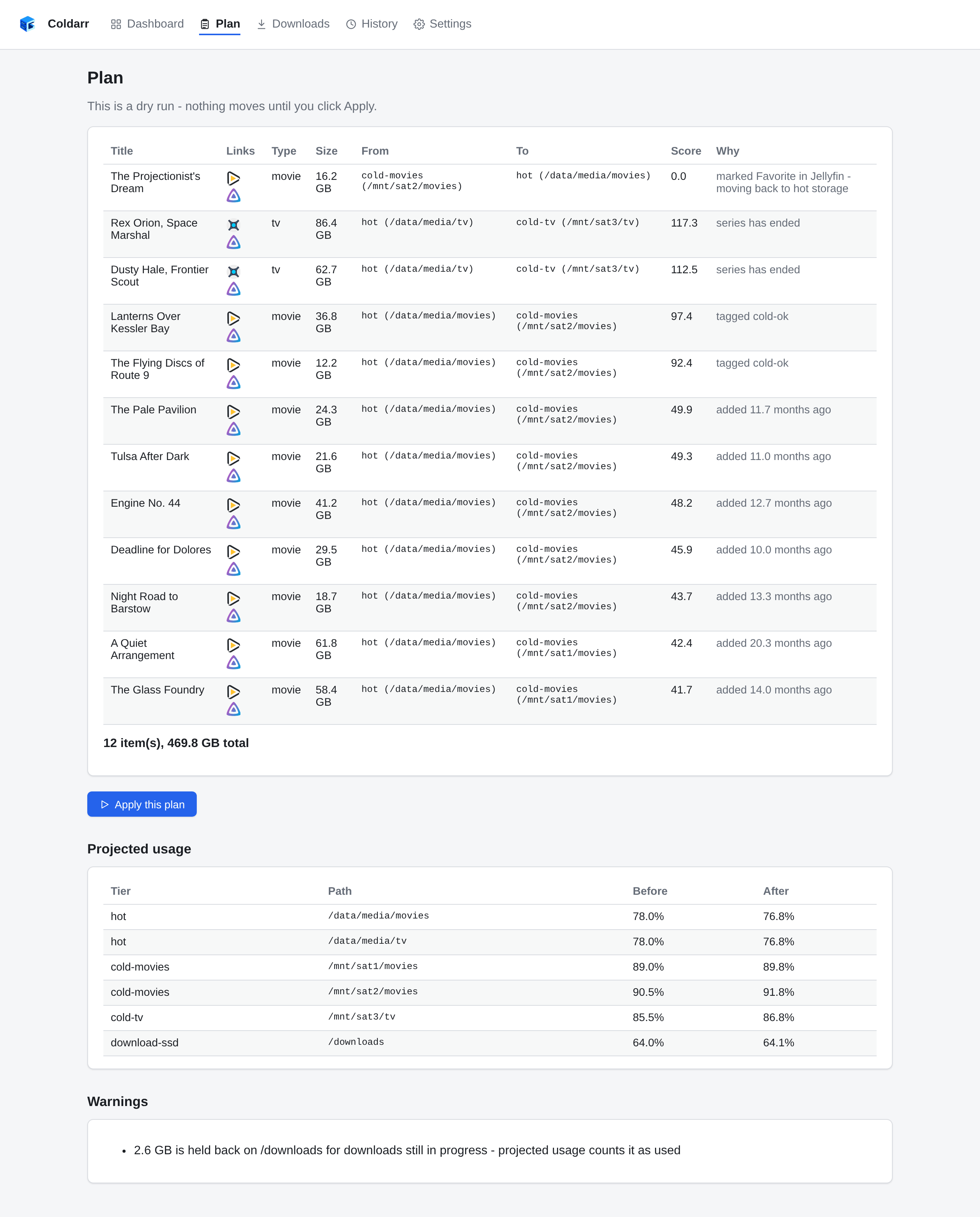
Plan
A dry run of what would move, why, and where, with each drive's usage before and after. Here a Jellyfin Favorite that had gone cold is coming back to hot storage.
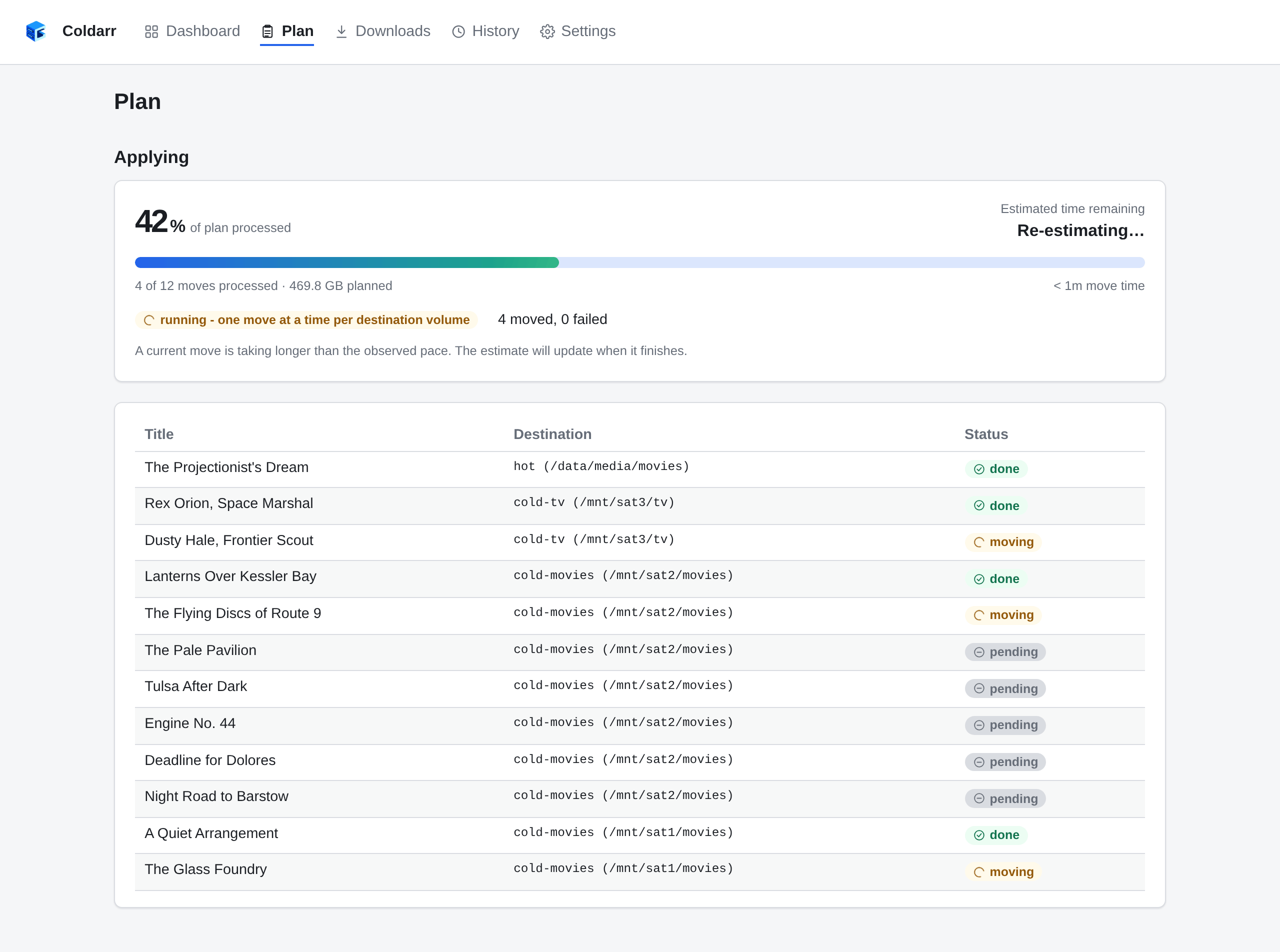
Applying
One move at a time per destination drive, each confirmed landed before the next one starts.
Downloads
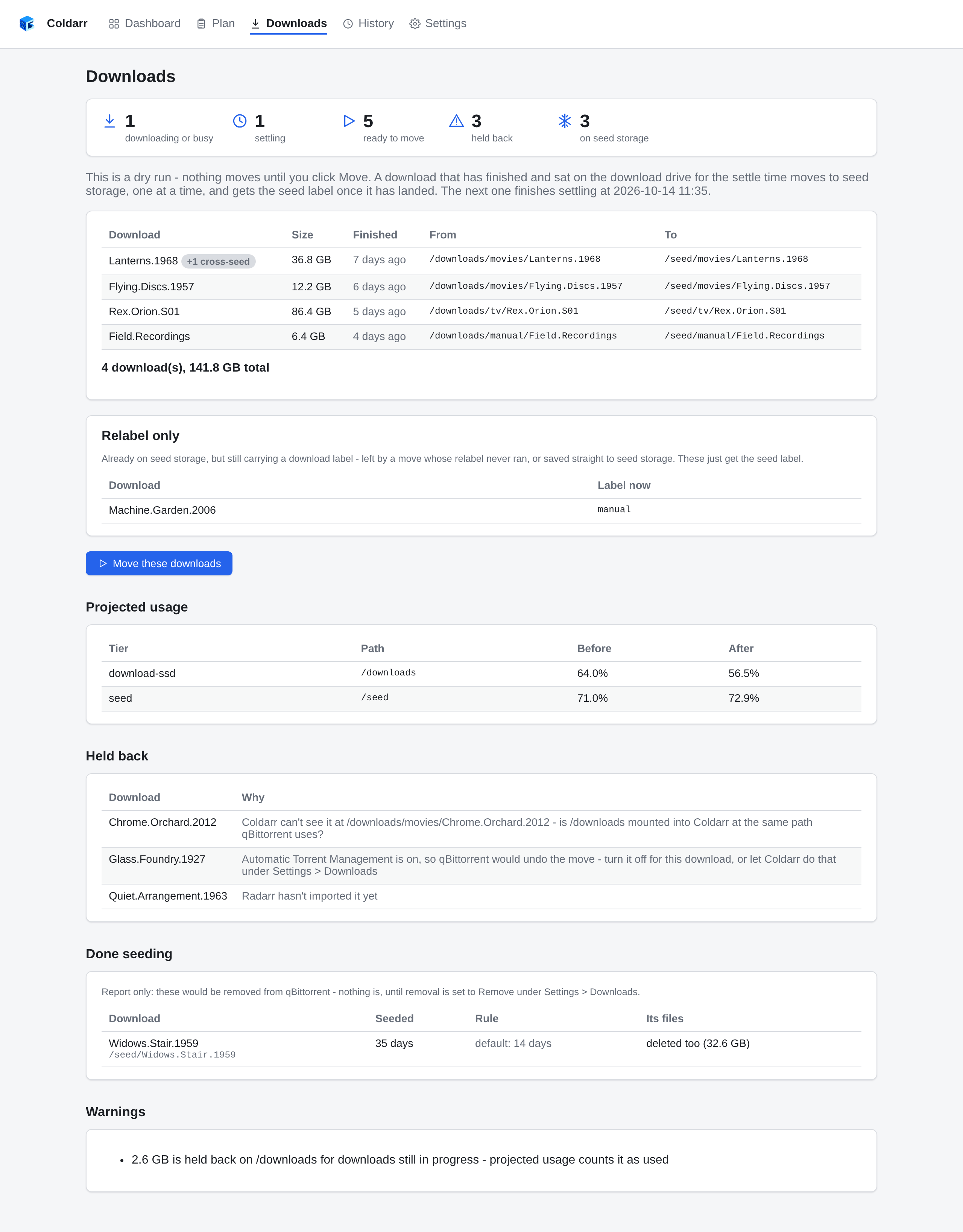
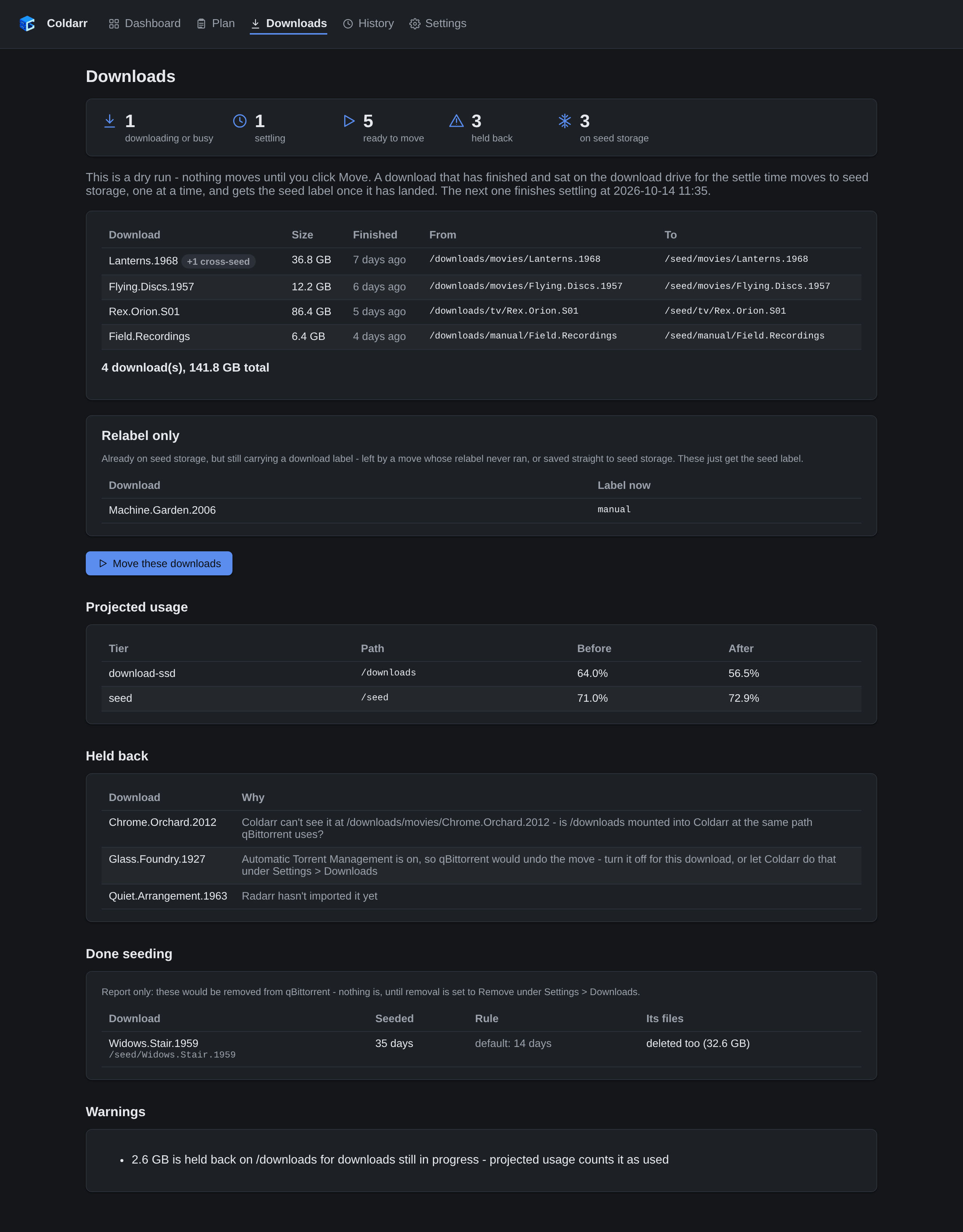
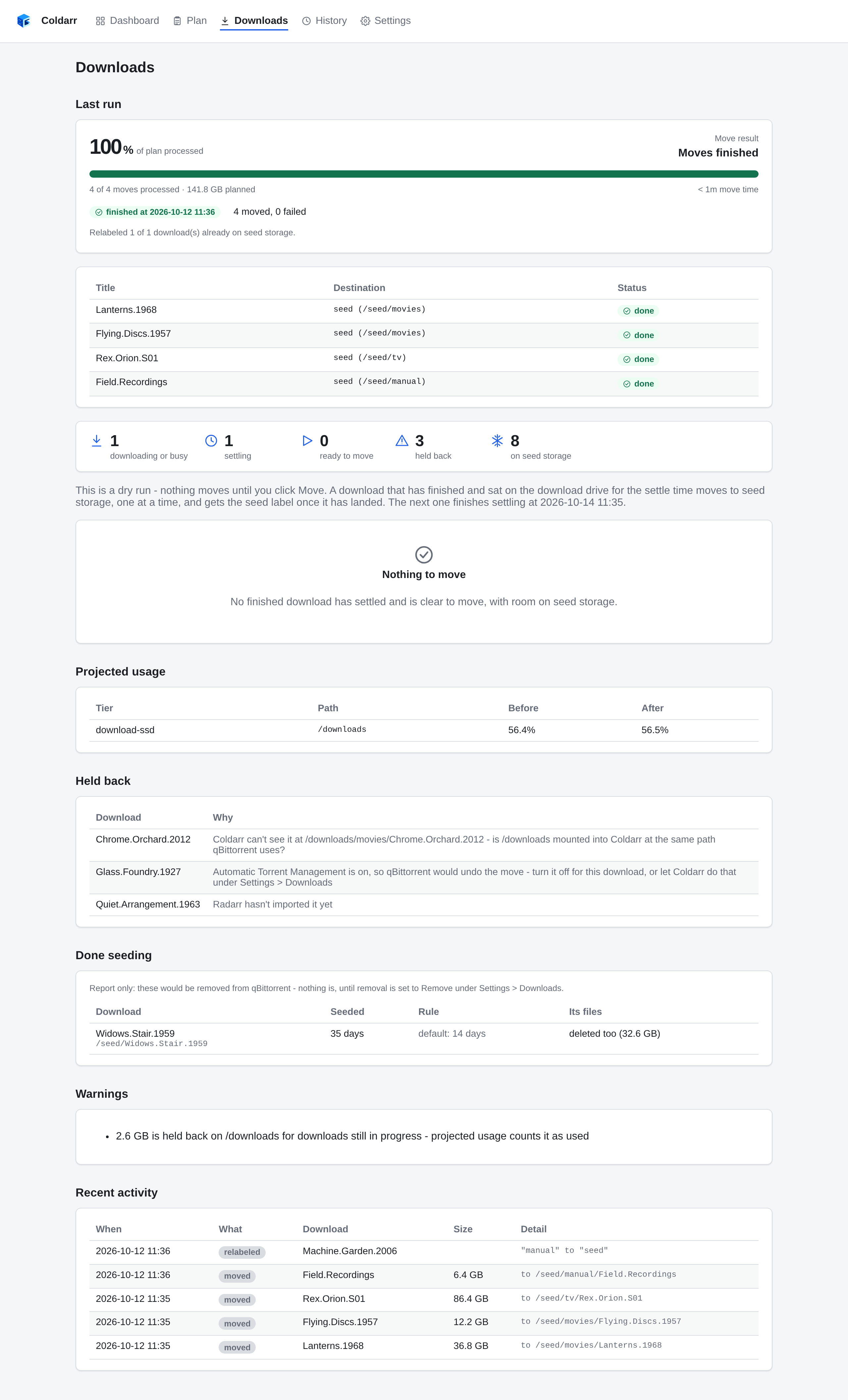
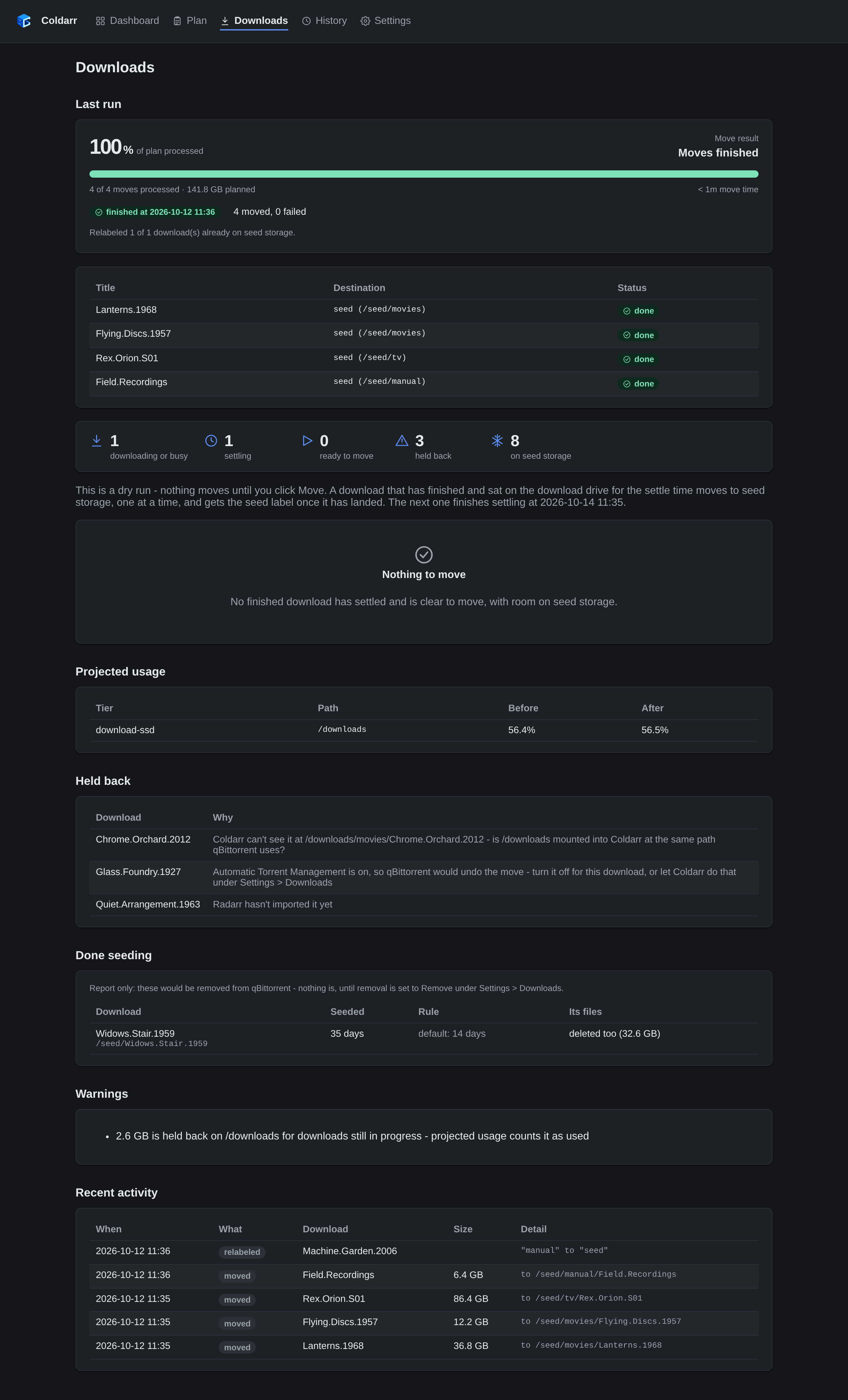
Finished qBittorrent downloads move from the download SSD to seed storage after settling and being imported. The plan shows cross-seeds moving together, downloads held back and why, and seeds that have met their tracker's requirement. Removal is set to report only here.
Moving downloads
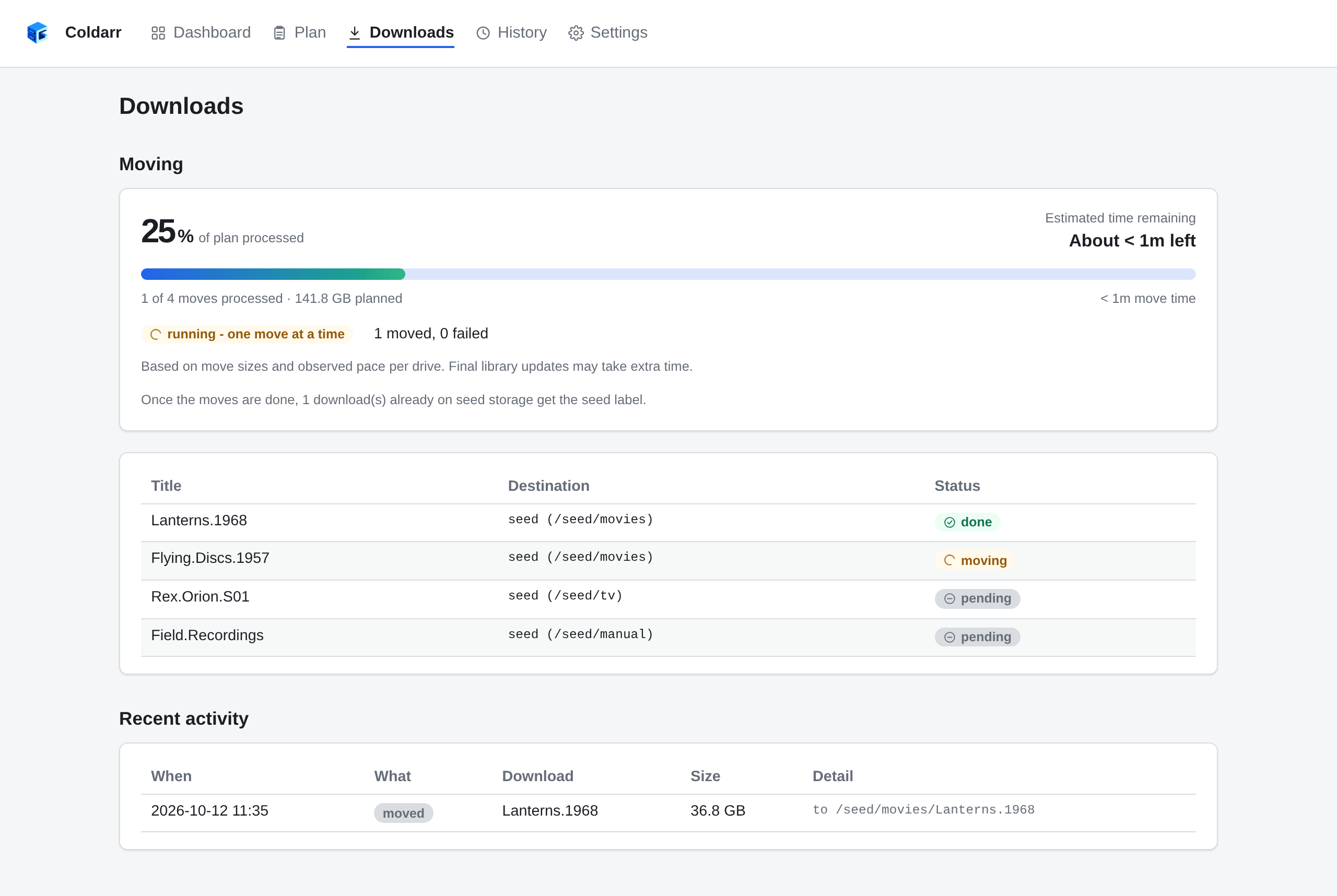
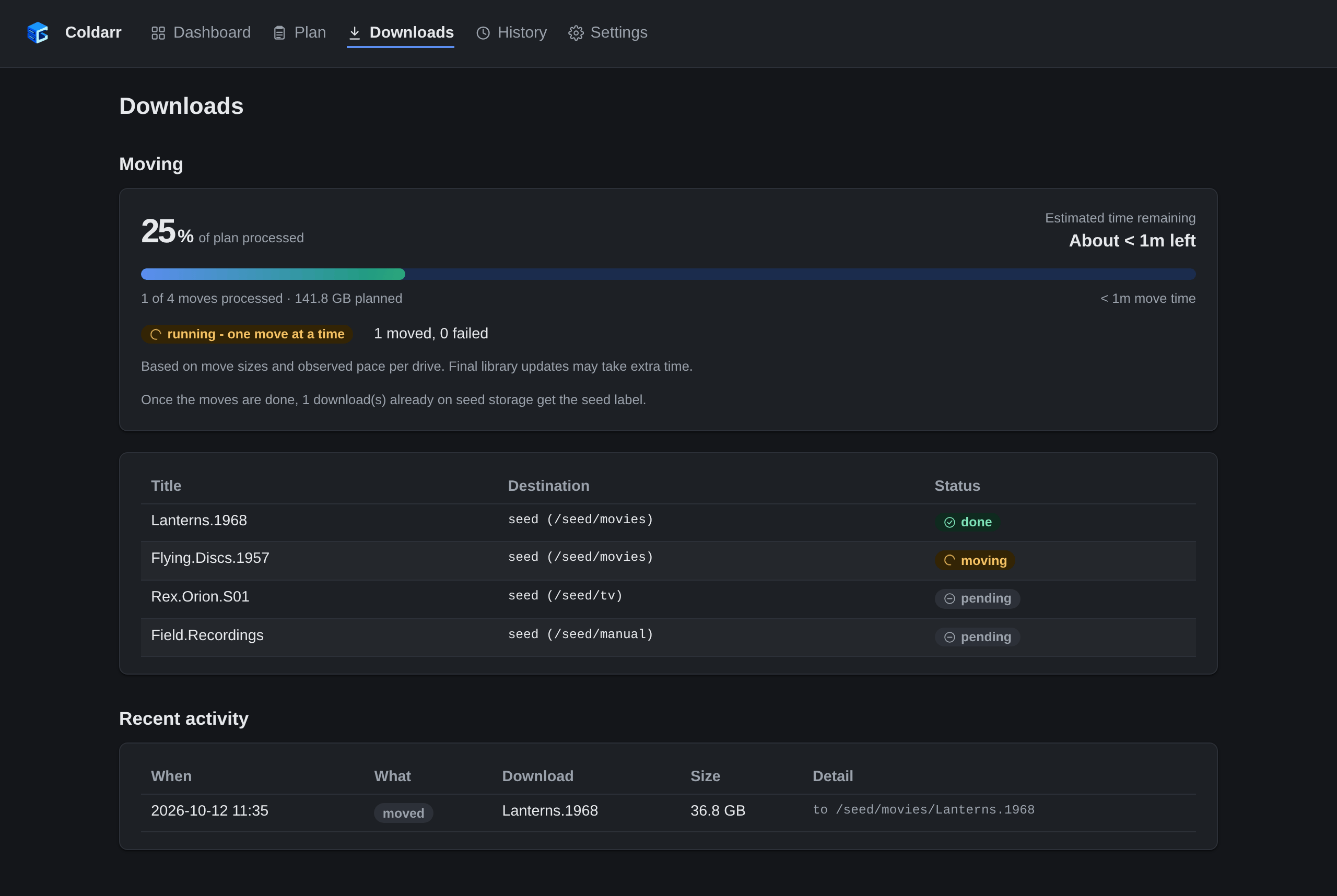
qBittorrent moves each download, and Coldarr confirms that it has landed before starting the next one and applying the seed label.
Download activity
The finished run and recent activity record the moves and relabels. Downloads still waiting on an import, Automatic Torrent Management, or a missing mount remain held back.
History
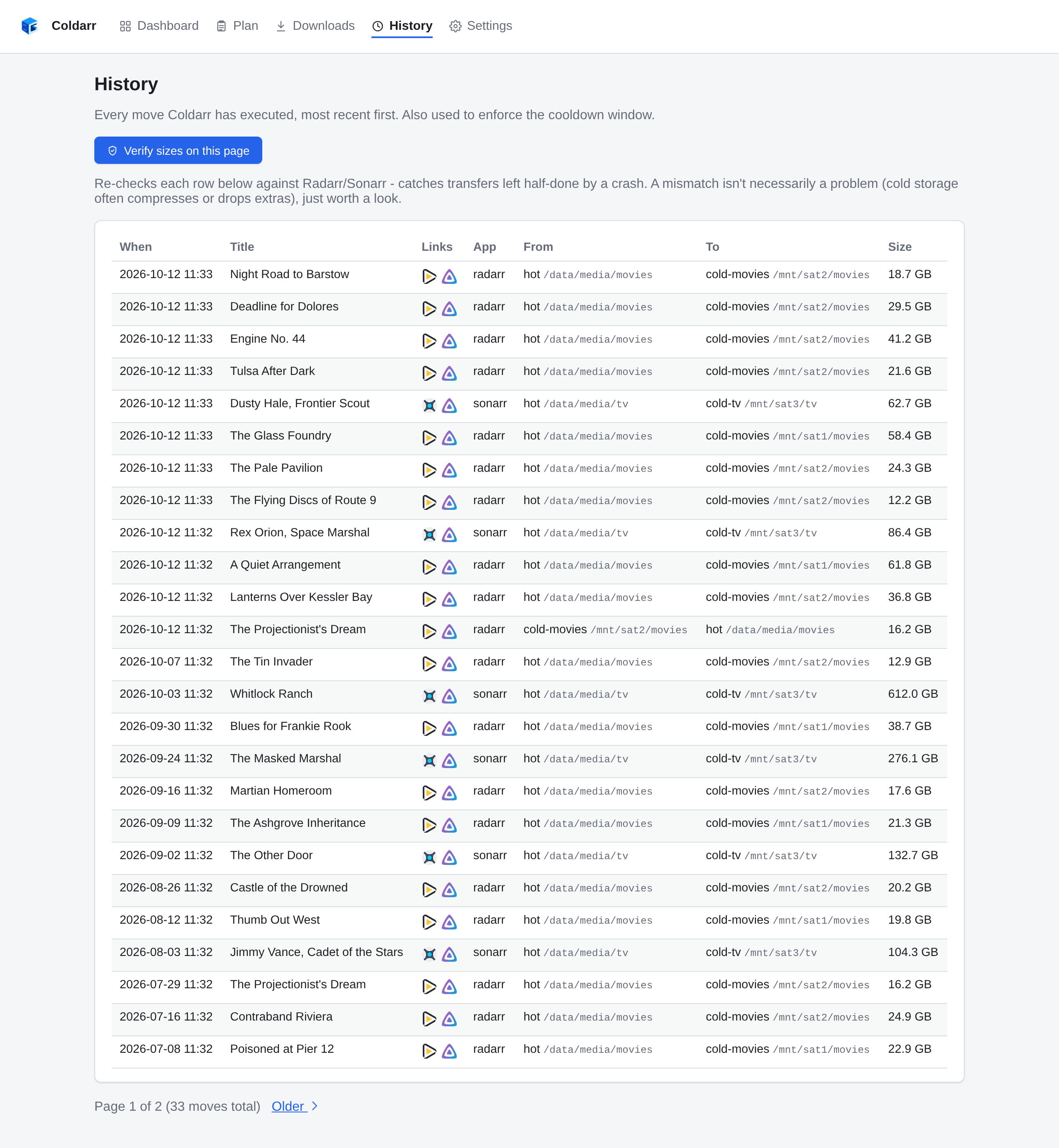
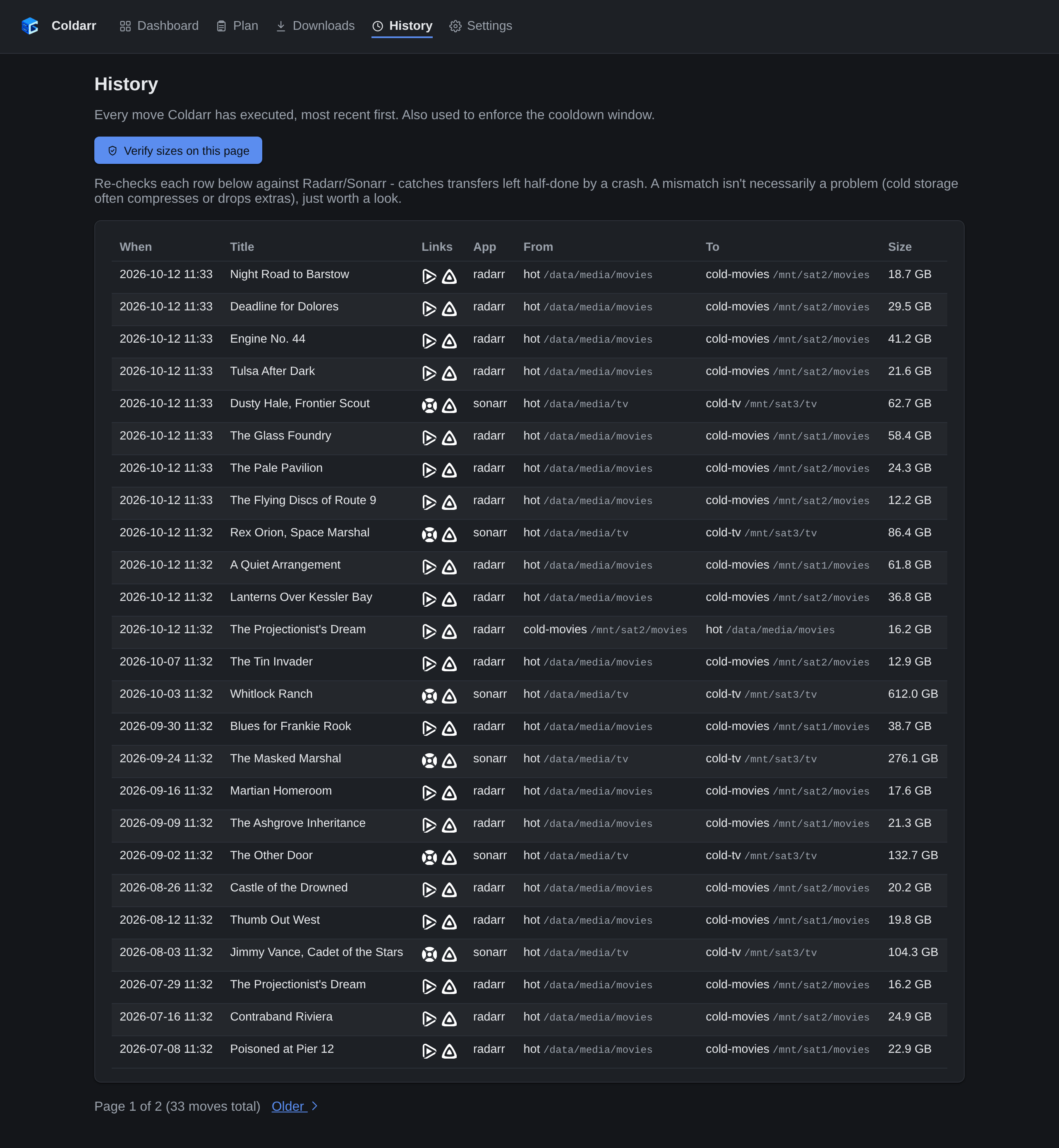
Every move Coldarr has made, with links back into Radarr, Sonarr and Jellyfin.
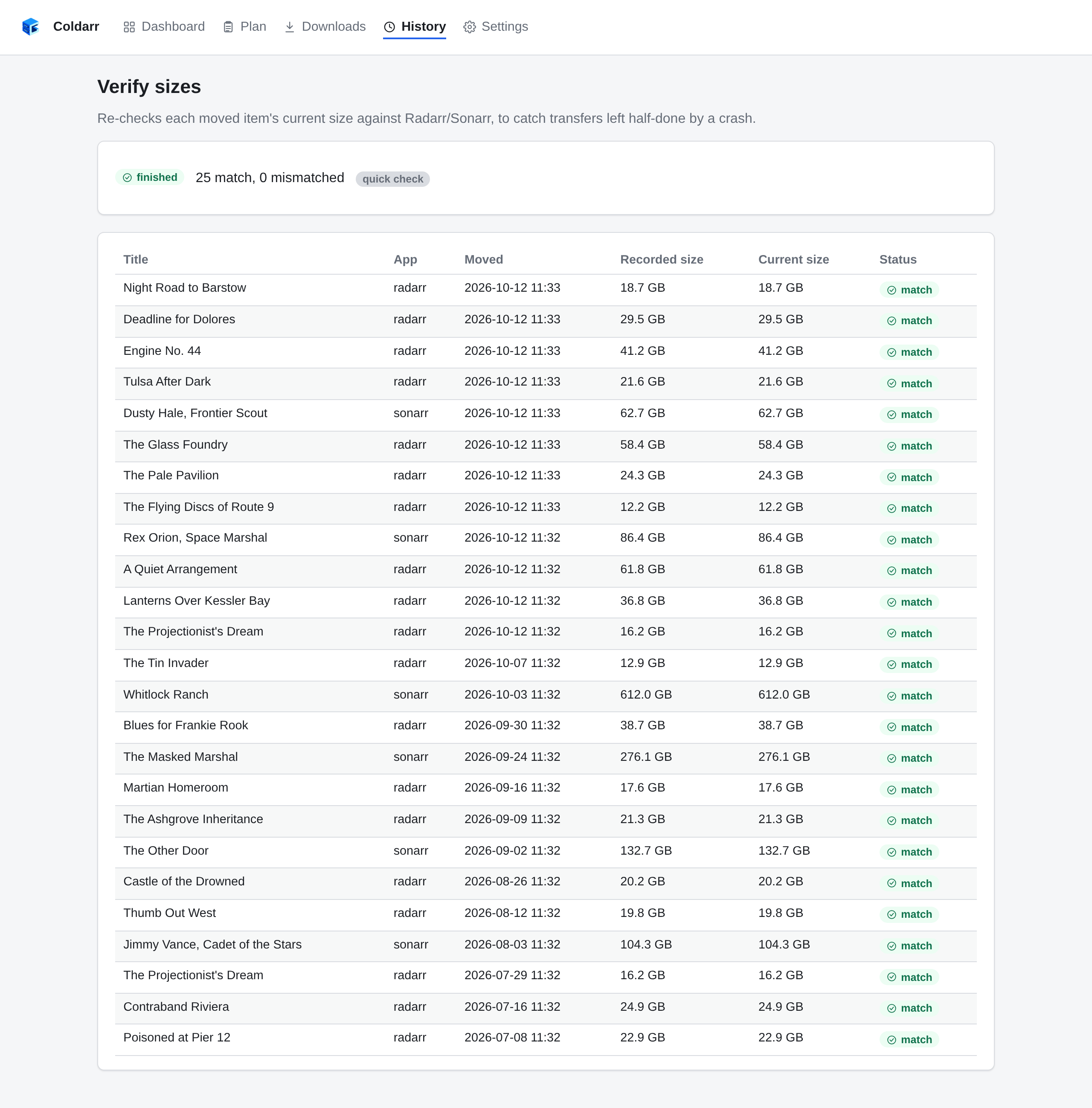
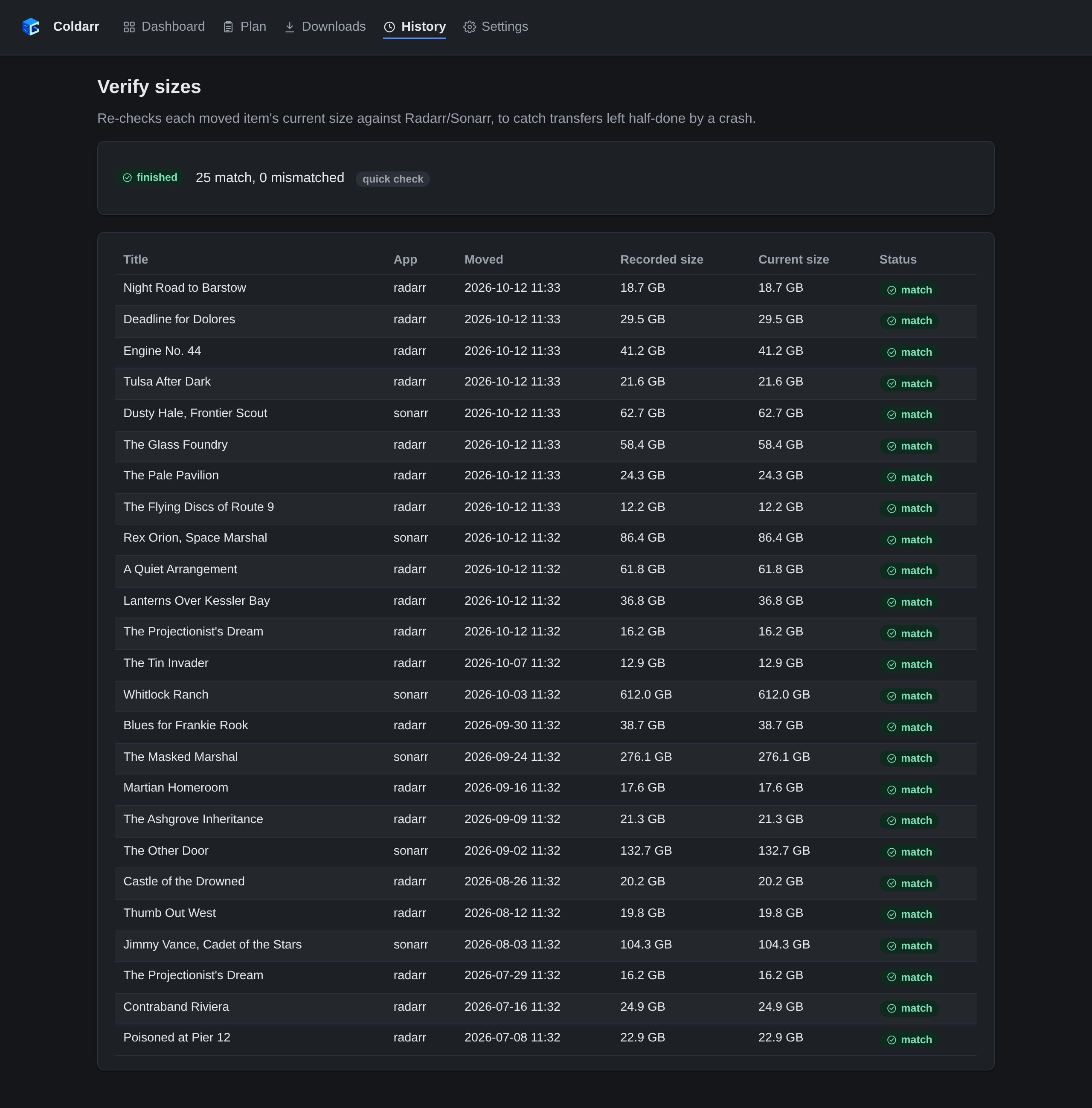
Verify sizes
Re-checks each moved item's current size against Radarr/Sonarr, to catch transfers left half-done by a crash.
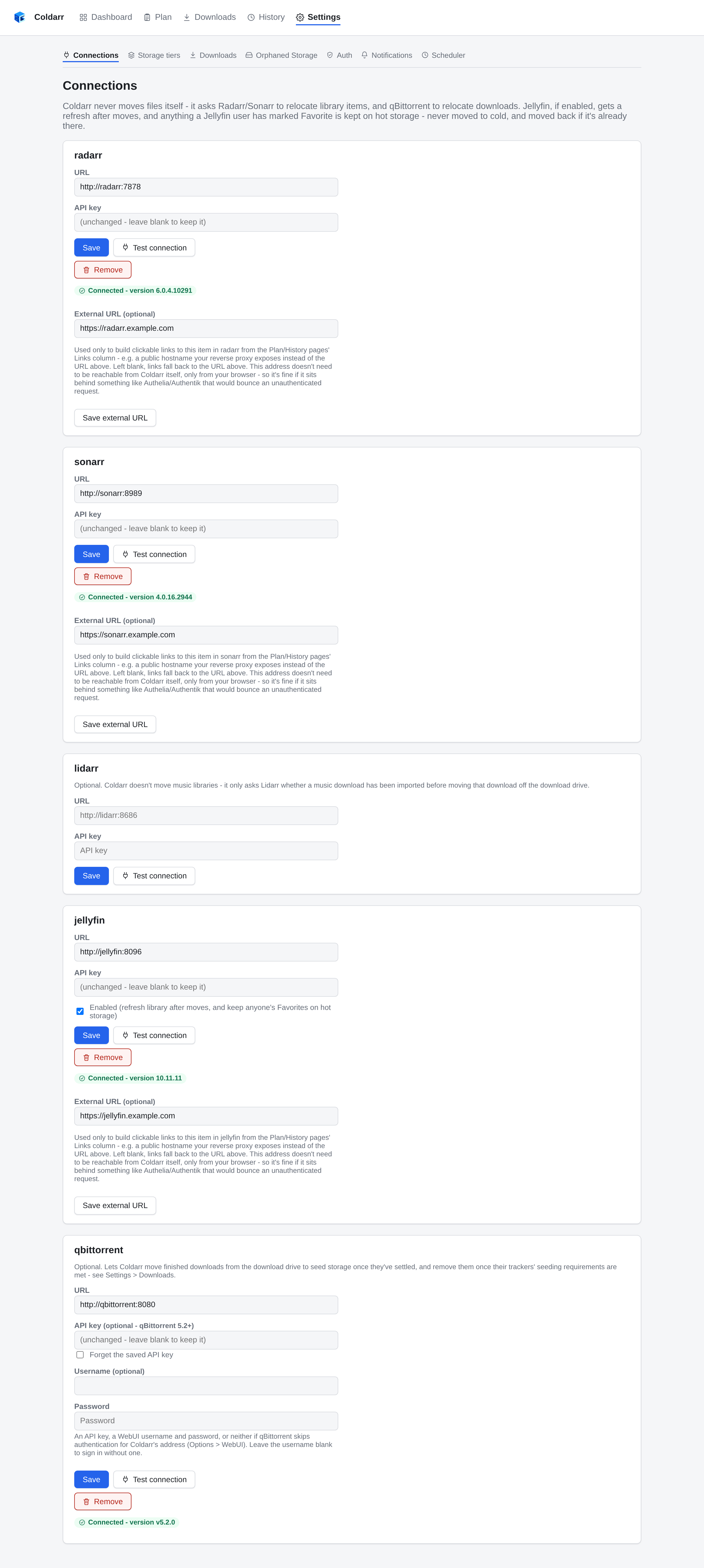
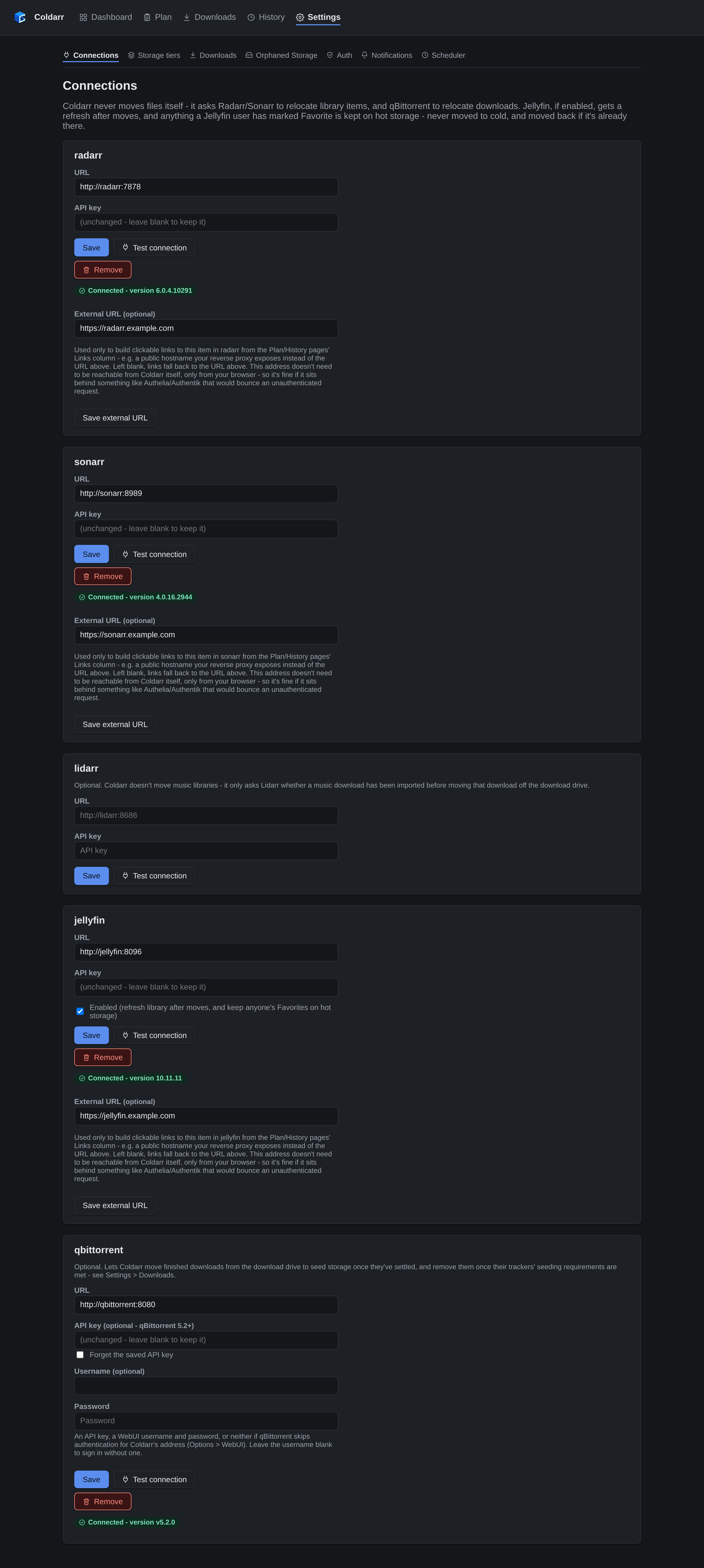
Connections
Radarr, Sonarr, Jellyfin, and qBittorrent, each with a live connection test. The optional external URL is only used to build the Links column.
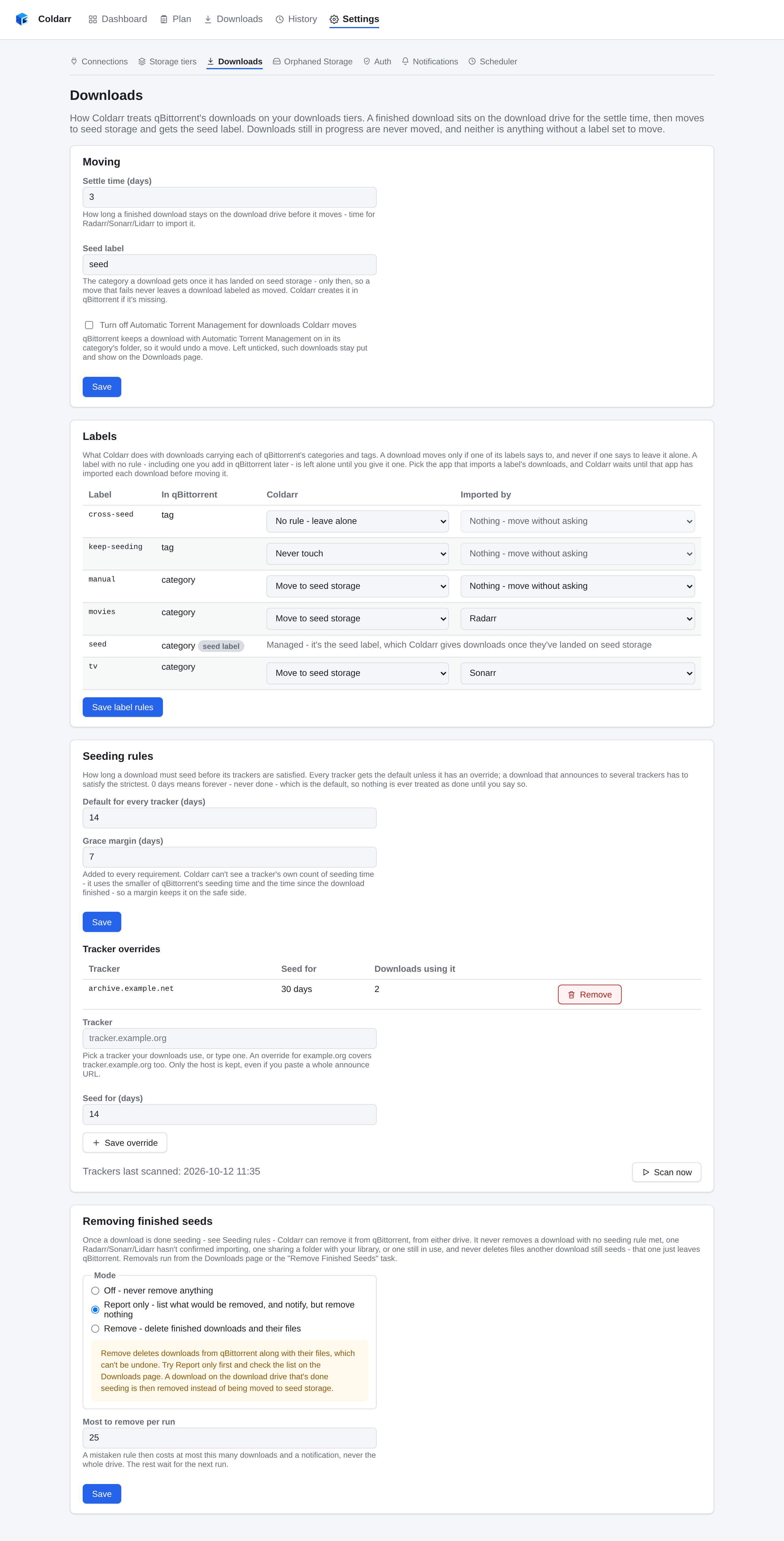
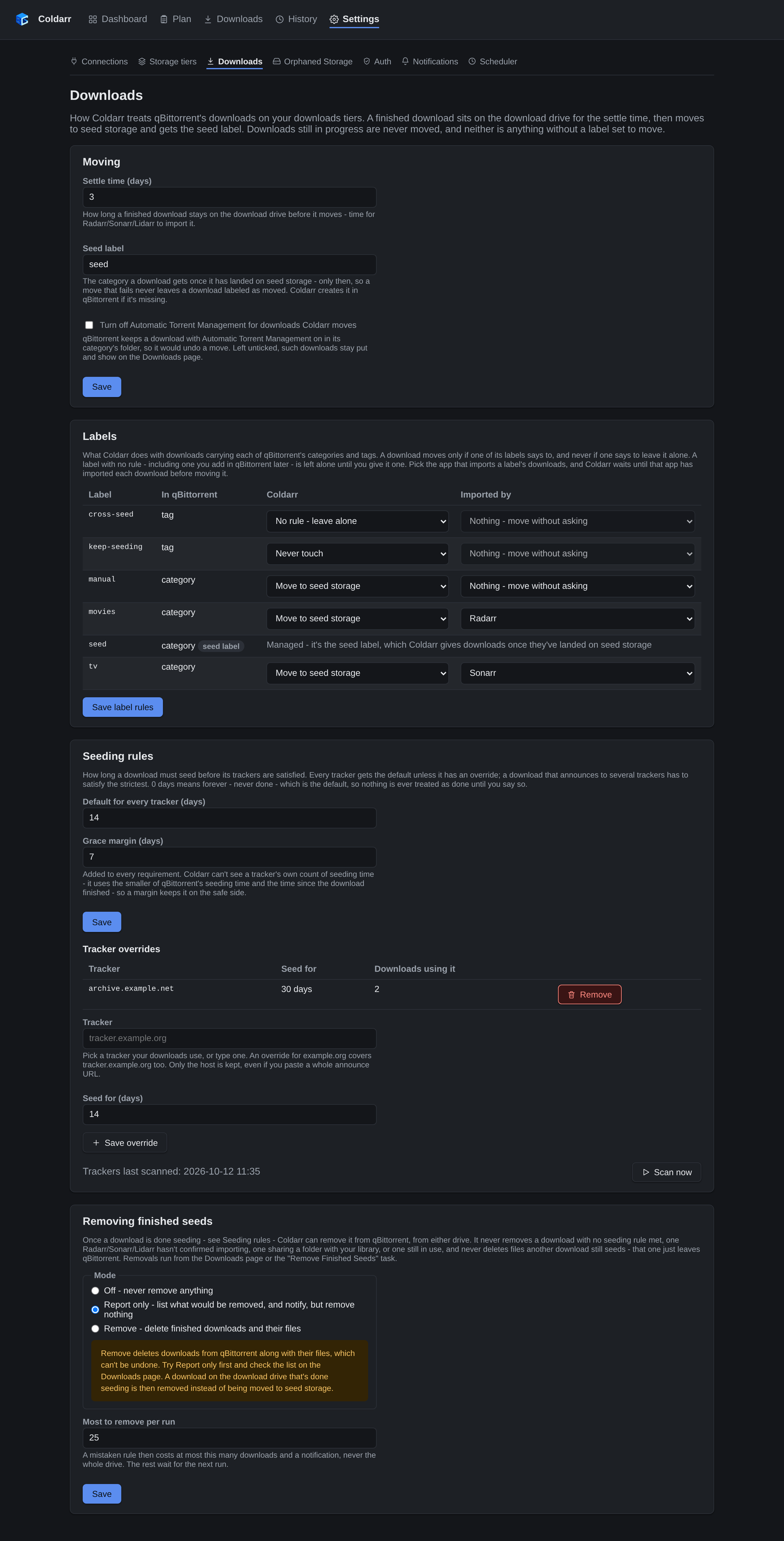
Download settings
Choose which categories and tags Coldarr manages, which app imports them, the settle time, and tracker-specific seeding requirements. Preview finished seed removal in report mode before enabling it.
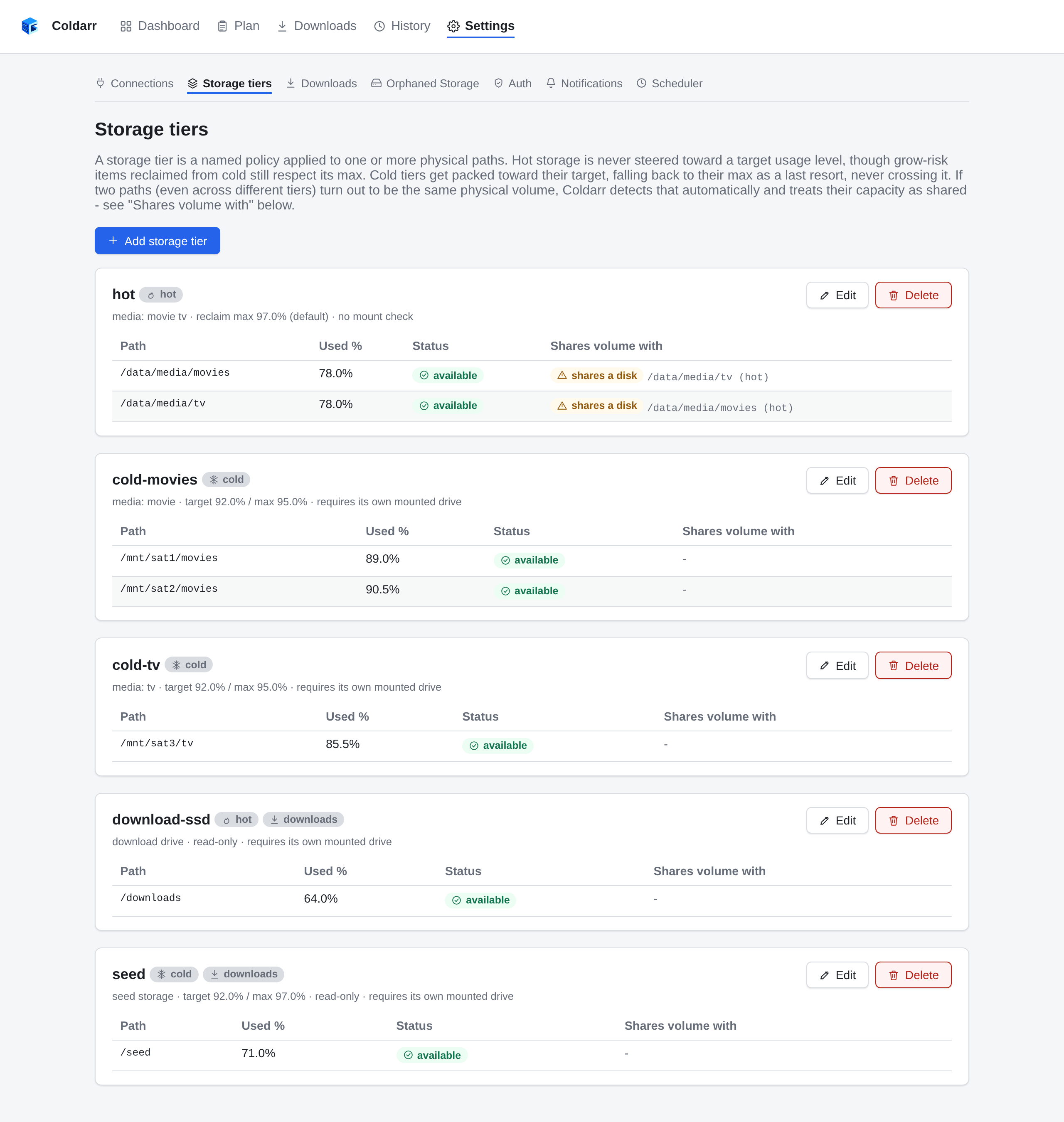
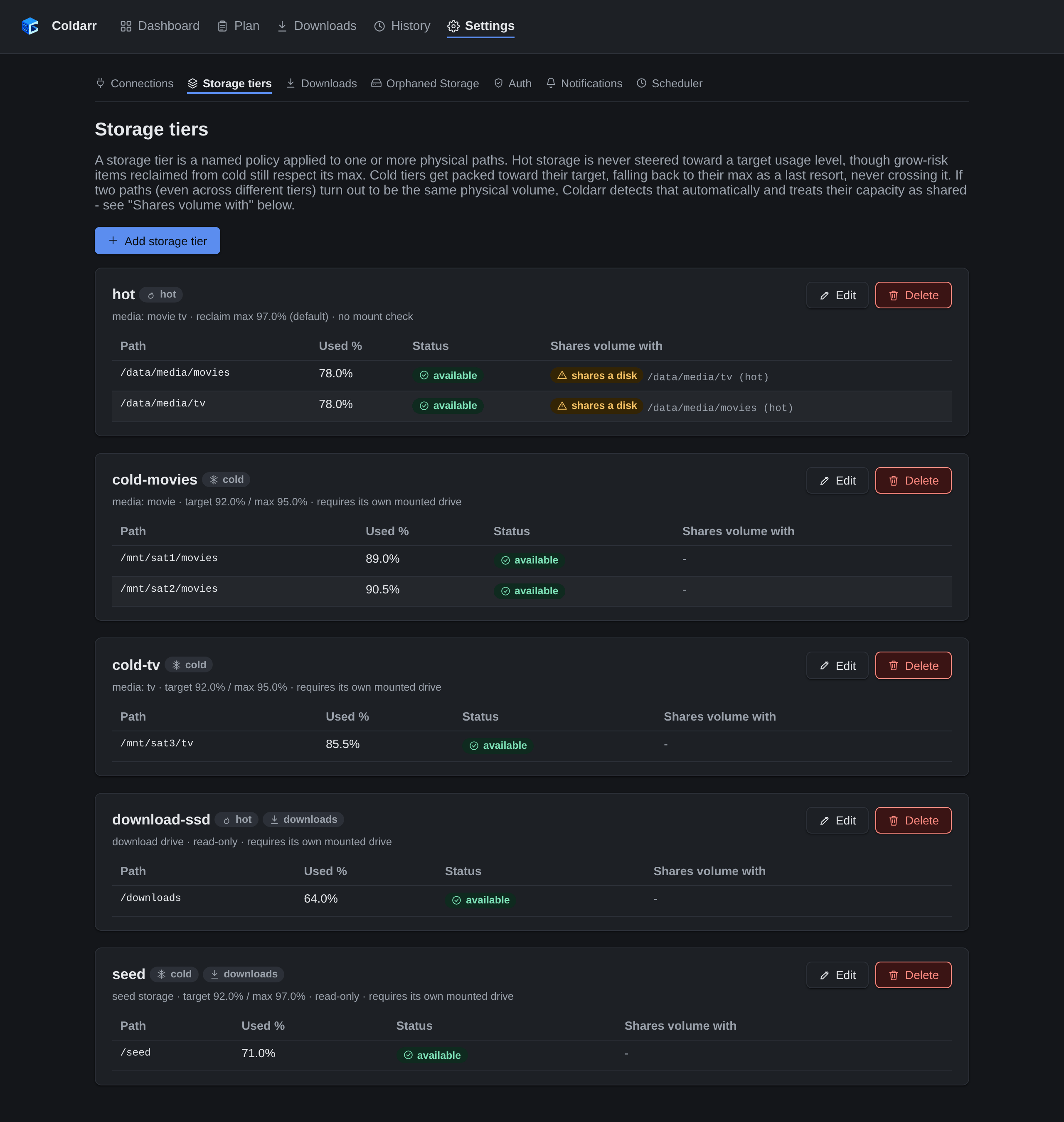
Storage tiers
Paths that turn out to be on the same disk are detected and treated as sharing its capacity.
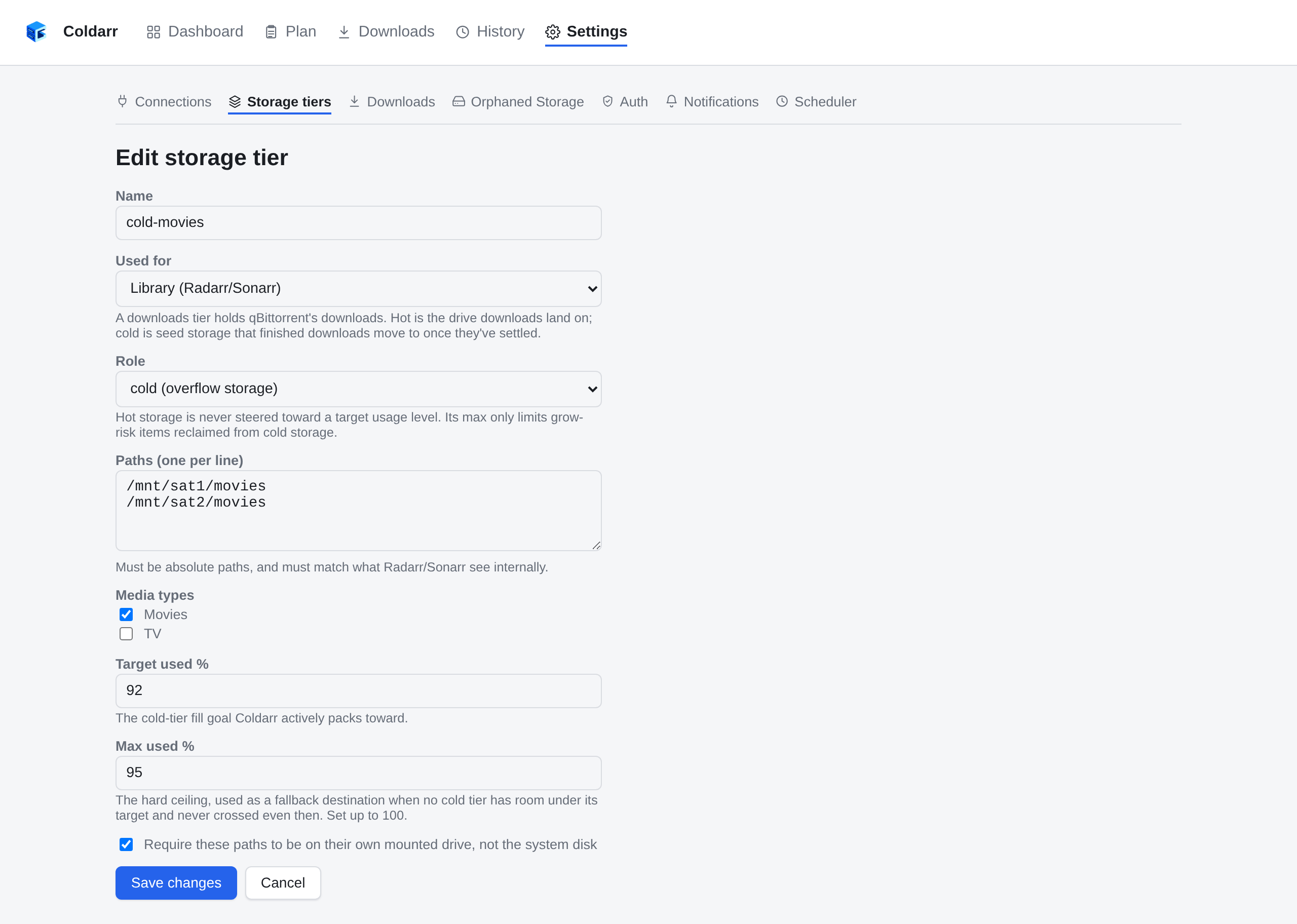
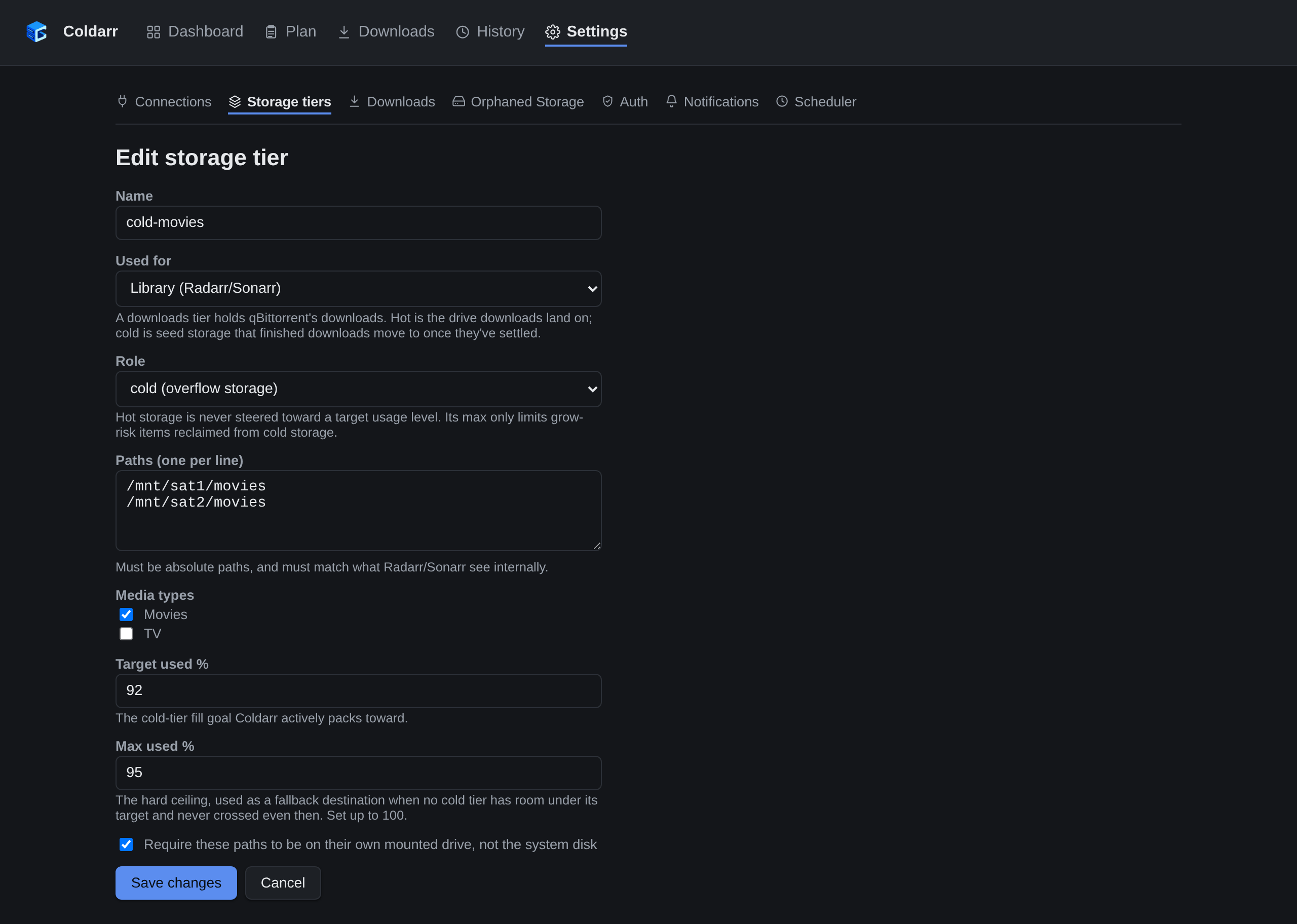
Editing a storage tier
A tier's role, paths, media types, fill target and ceiling, and whether its paths must be on their own mounted drive.
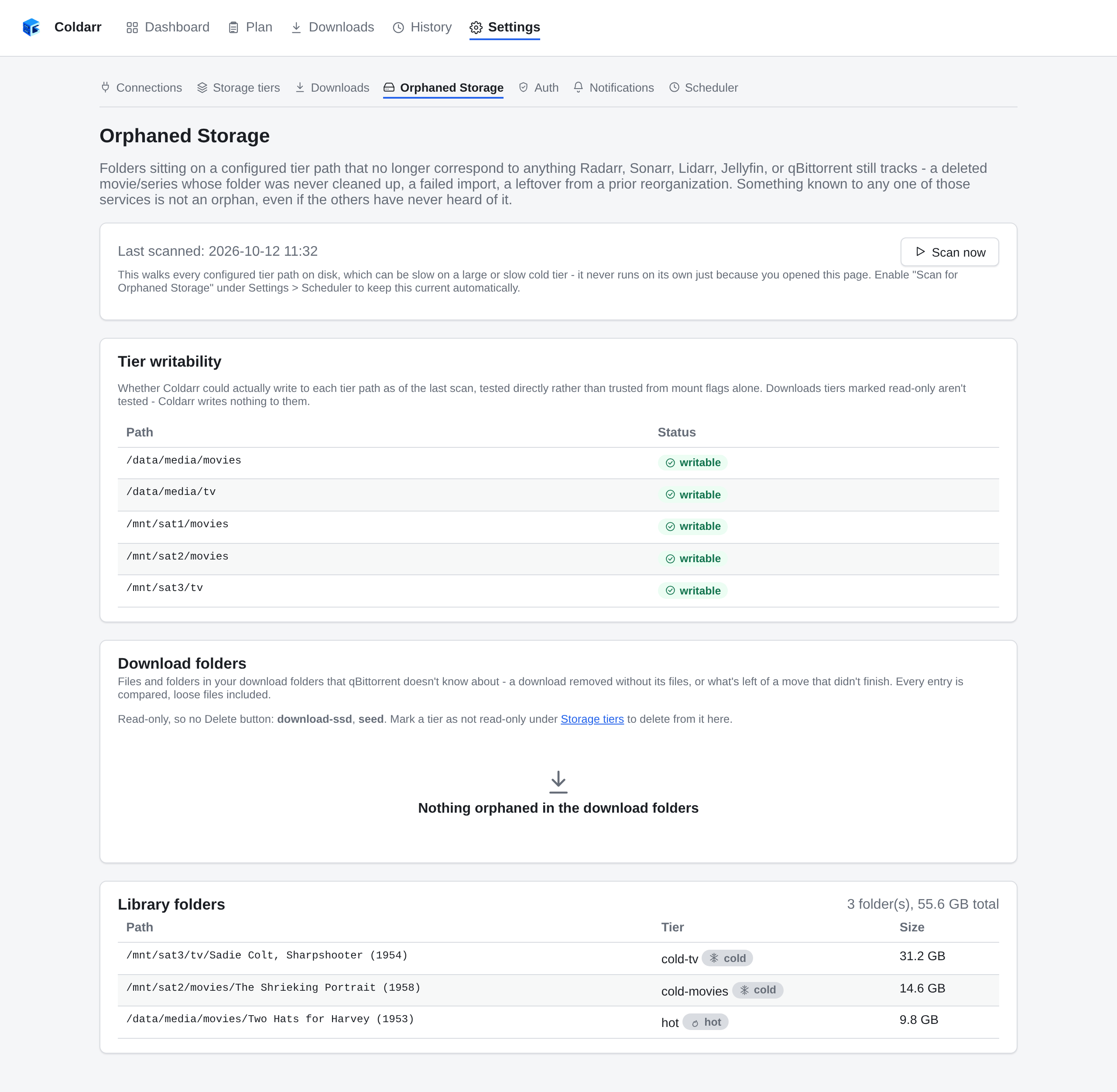
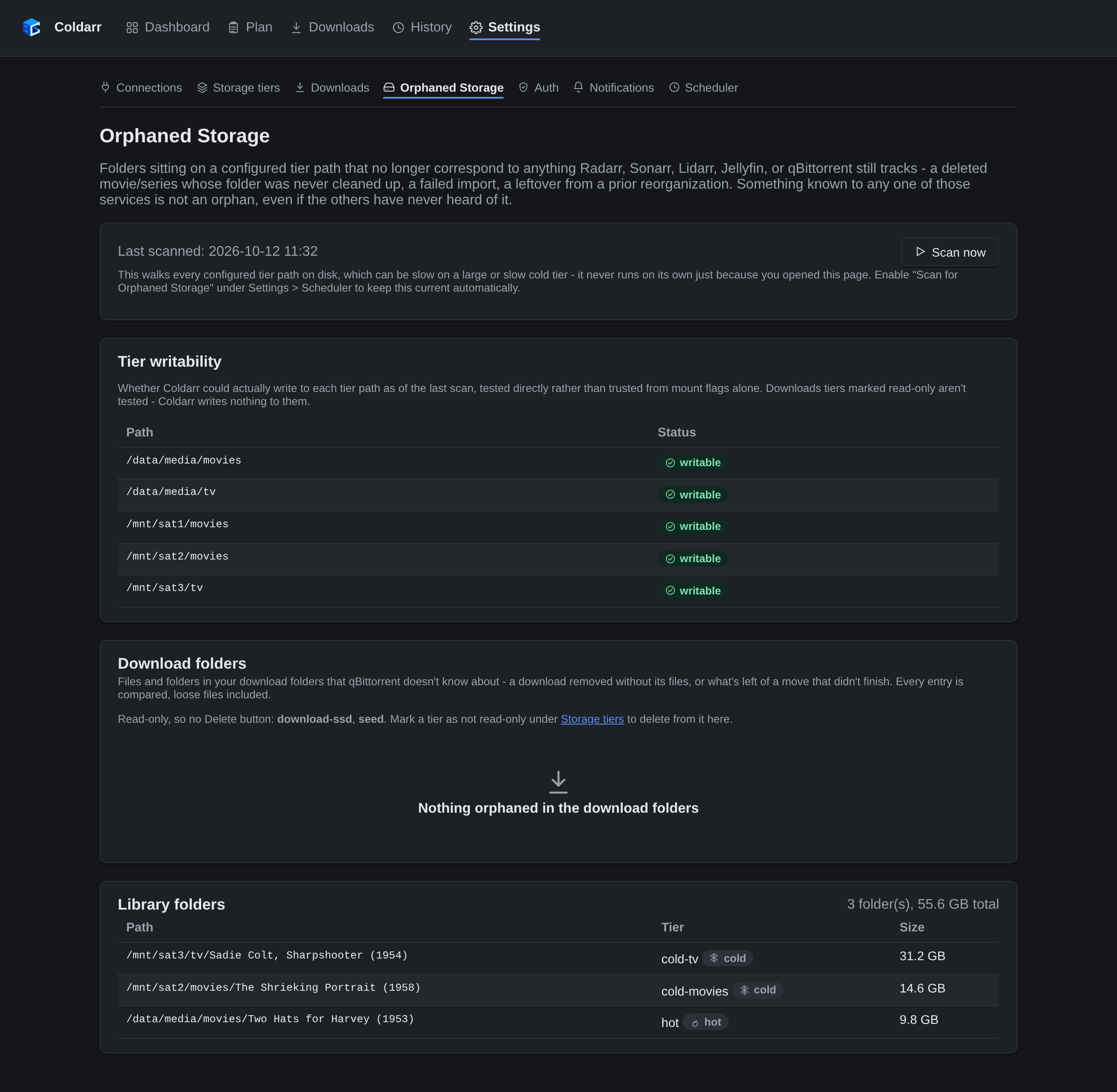
Orphaned storage
Folders on a tier that no service tracks anymore, including leftovers from an interrupted move.
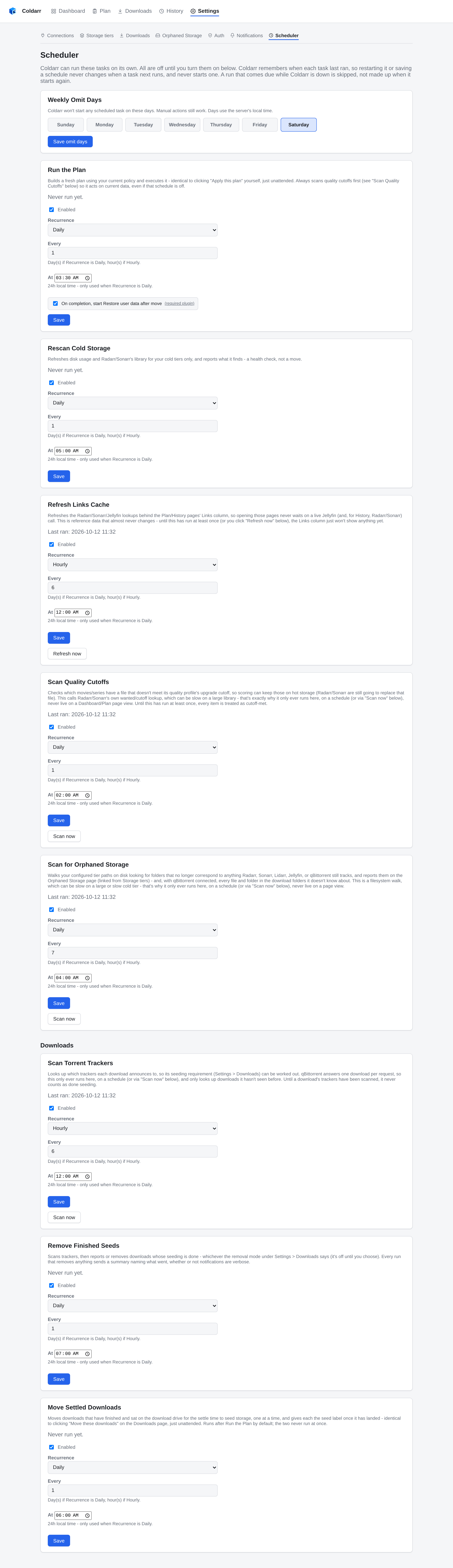
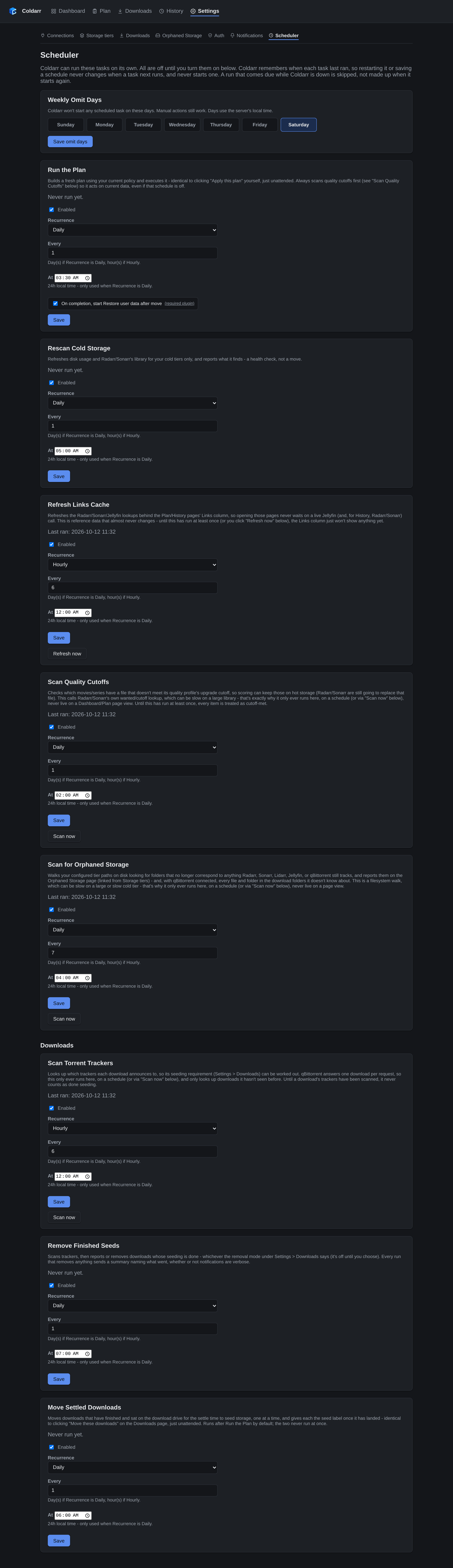
Scheduler
Every automatic task is off until you turn it on, and Weekly Omit Days pause all of them on the days you pick.
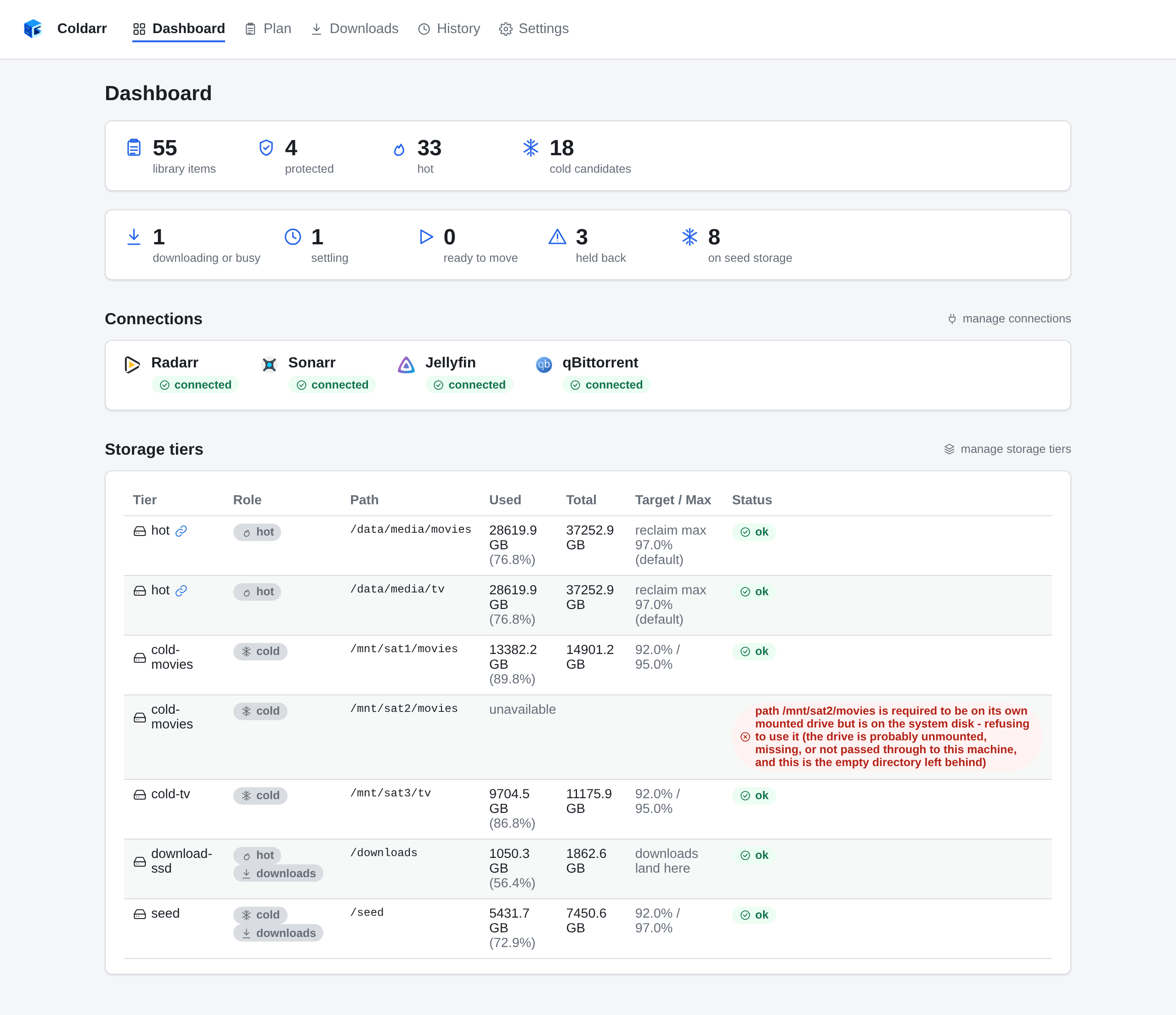
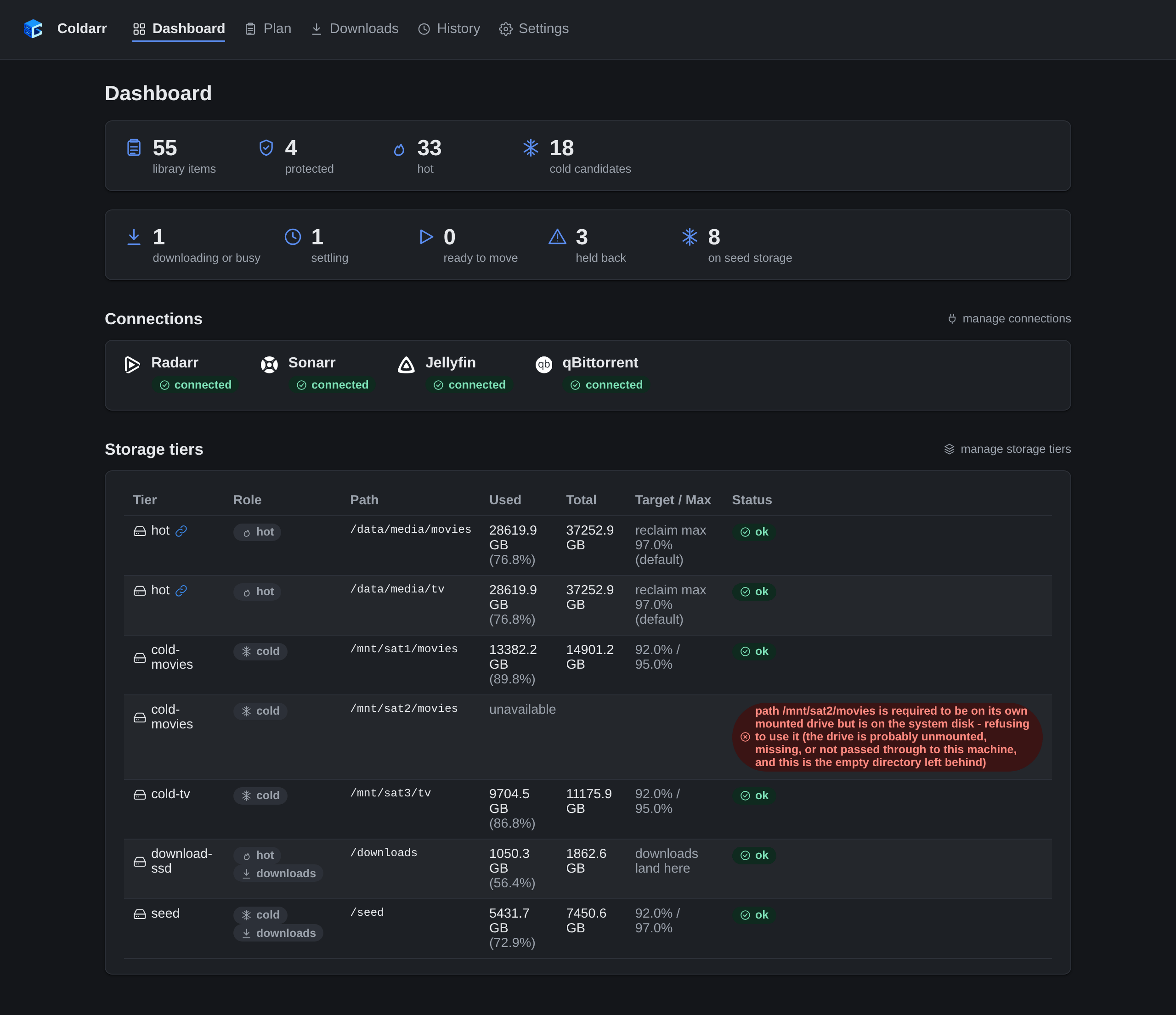
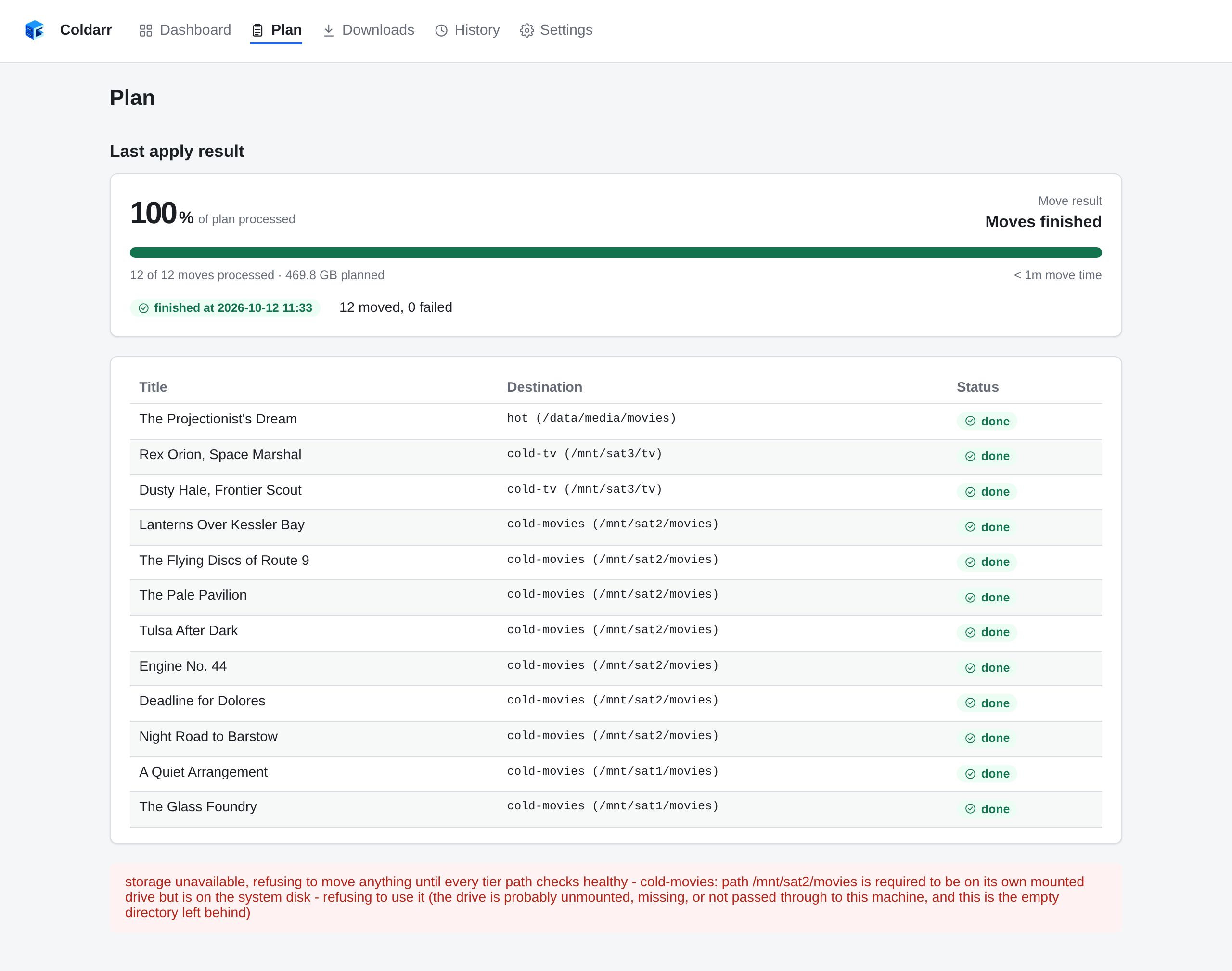
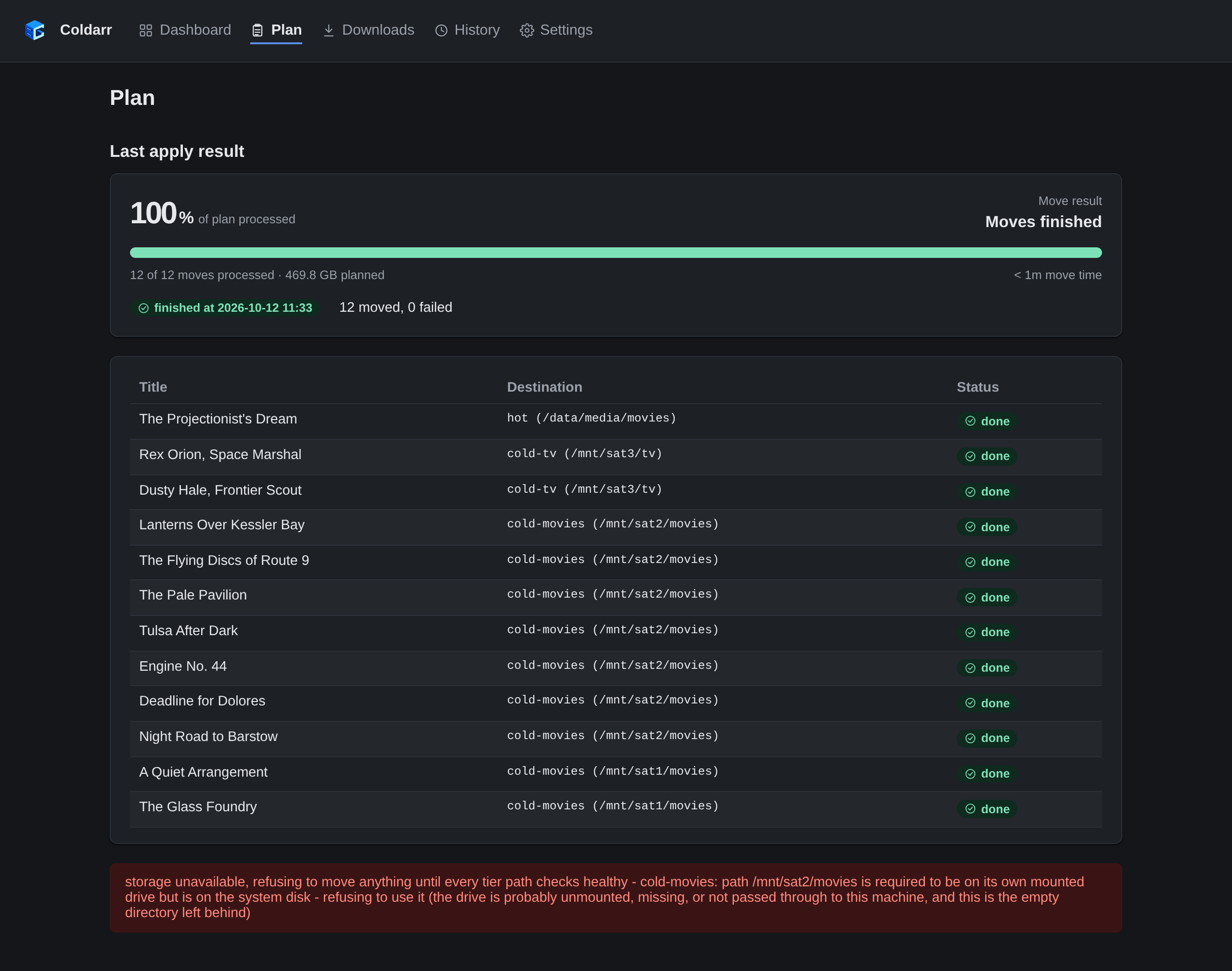
A drive goes missing
Coldarr flags its path and refuses every move until it's back.
The Plan page says which path failed its check instead of offering a plan.
Signing in
Without OIDC configured, a single password protects the web interface.